BotGo AI HomeBotGo AI
GPT Image 2
×Sora 2

GPT IMAGE 2The Most Powerful AI Image Model

OpenAI’s next-generation GPT-Image-2 AI image generator for creating stunning, high-quality images in seconds.

Ref 1
Enter a prompt or add reference files to generate

Key Features of GPT Image 2

From hyper-realistic portraits to complex UI mockups — GPT Image 2 doesn't just generate images, it understands what you're building.

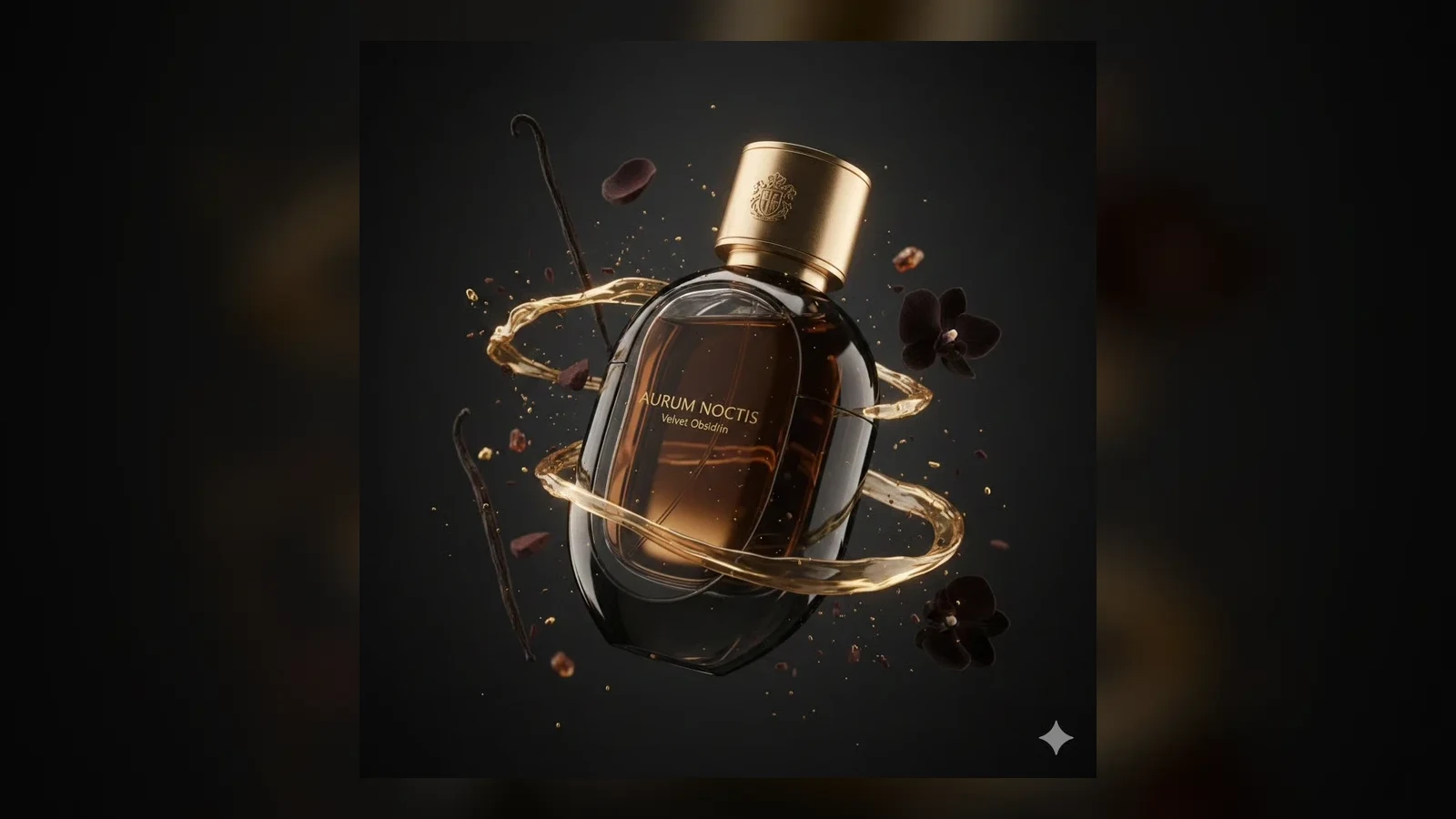
Near-Perfect Text Rendering
Text Rendering

Near-Perfect Text Rendering

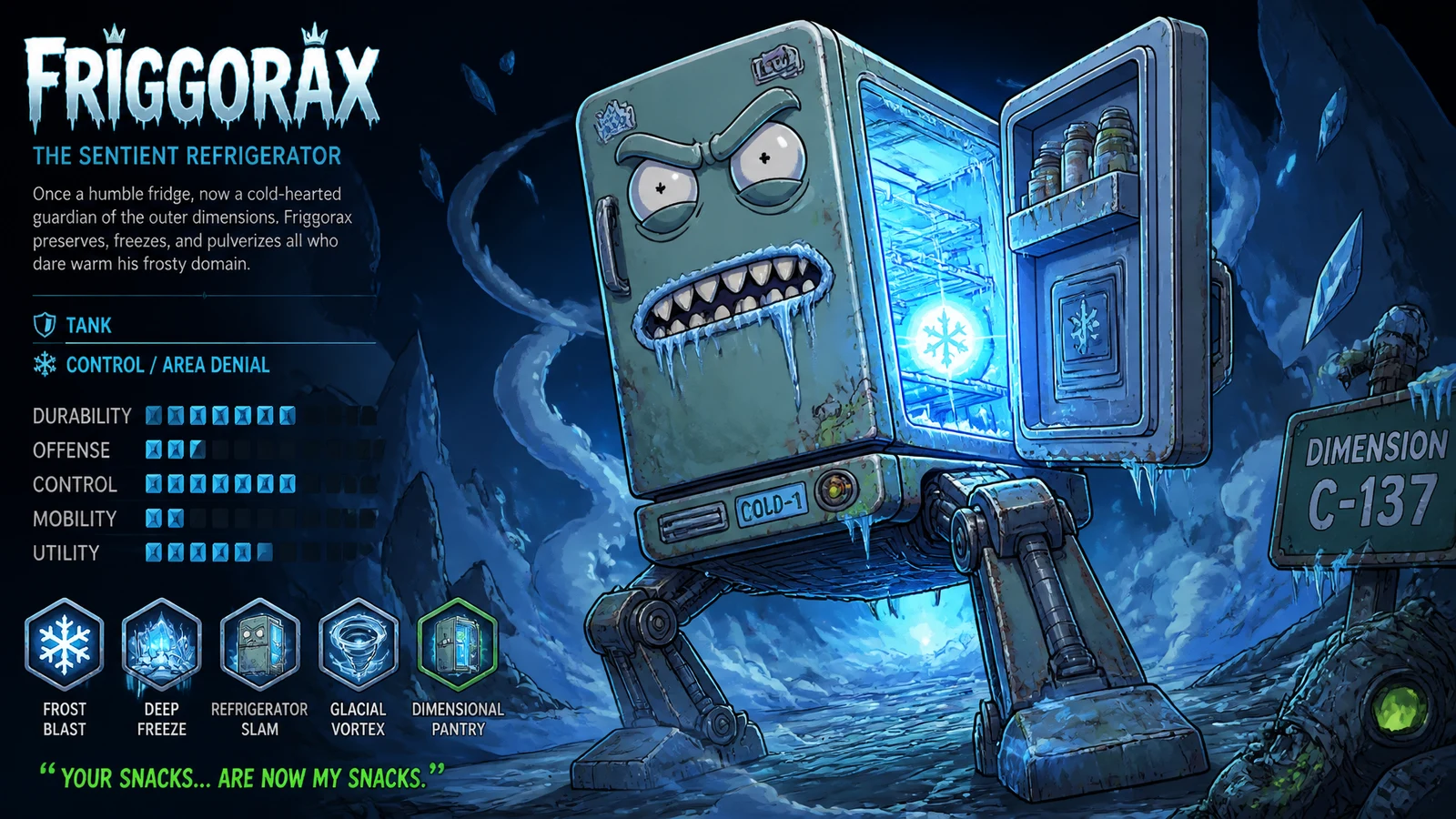
GPT Image 2 makes a monumental leap forward, capable of rendering coherent long-string sentences, multi-word phrases, and stylistically consistent text. It masterfully handles case sensitivity and complex punctuation, ensuring that sleek UI mockups or multilingual product labels are production-ready without manual correction.

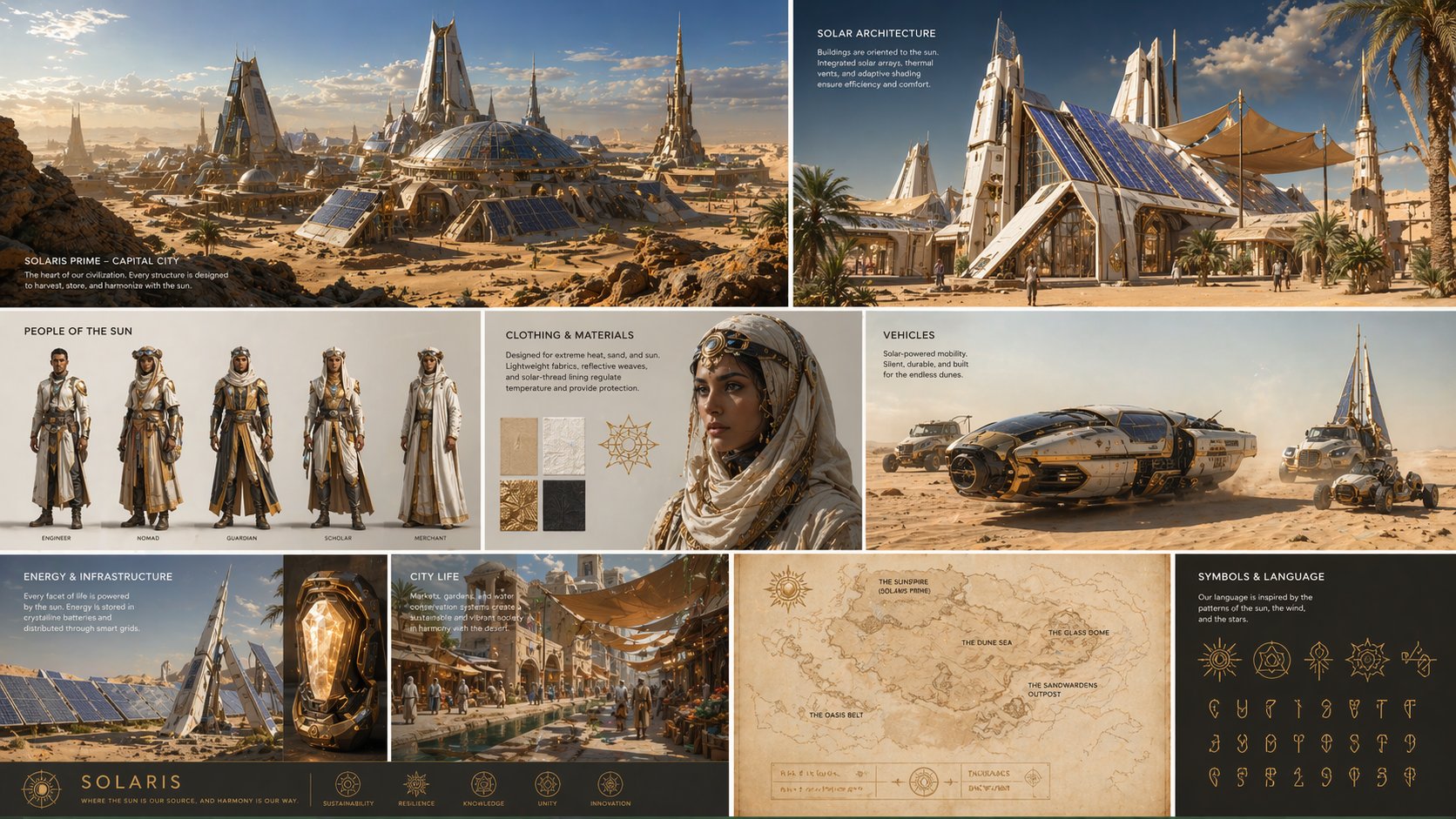
World-Knowledge Driven Realism
World Knowledge

World-Knowledge Driven Realism

Thanks to its deep integration of world knowledge, GPT Image 2 drastically reduces common AI hallucinations. It can generate more accurate anatomy diagrams, maps, and other structured visuals that depend on real-world logic.

Unmatched Prompt Adherence
Instruction Following

Unmatched Prompt Adherence

GPT Image 2 handles long, high-complexity prompts well. You can specify visual hierarchy, exact colors, character details, and layout constraints in one request while keeping the overall scene coherent.

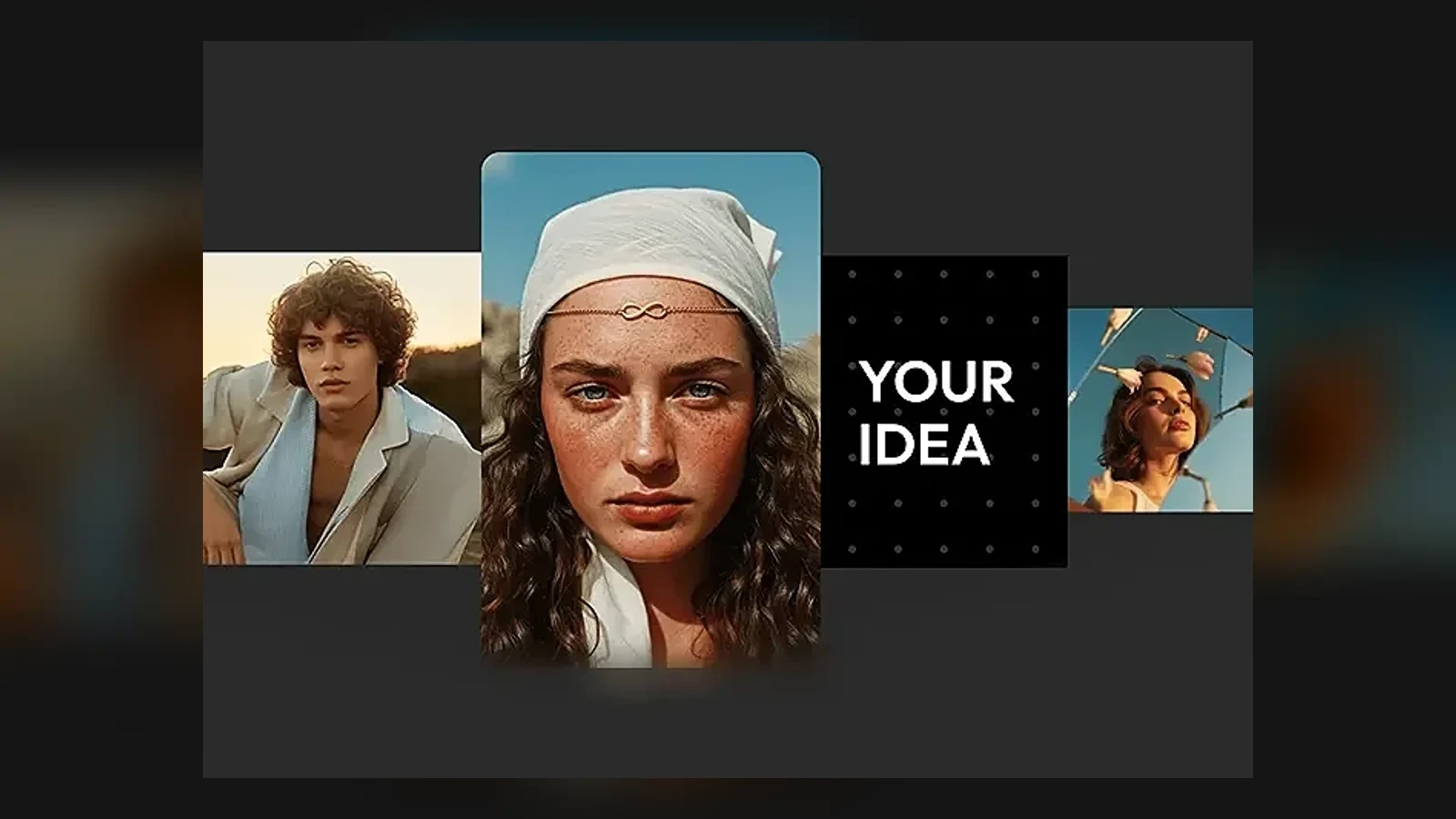
Full-Spectrum Visual Design
Style Range

Full-Spectrum Visual Design

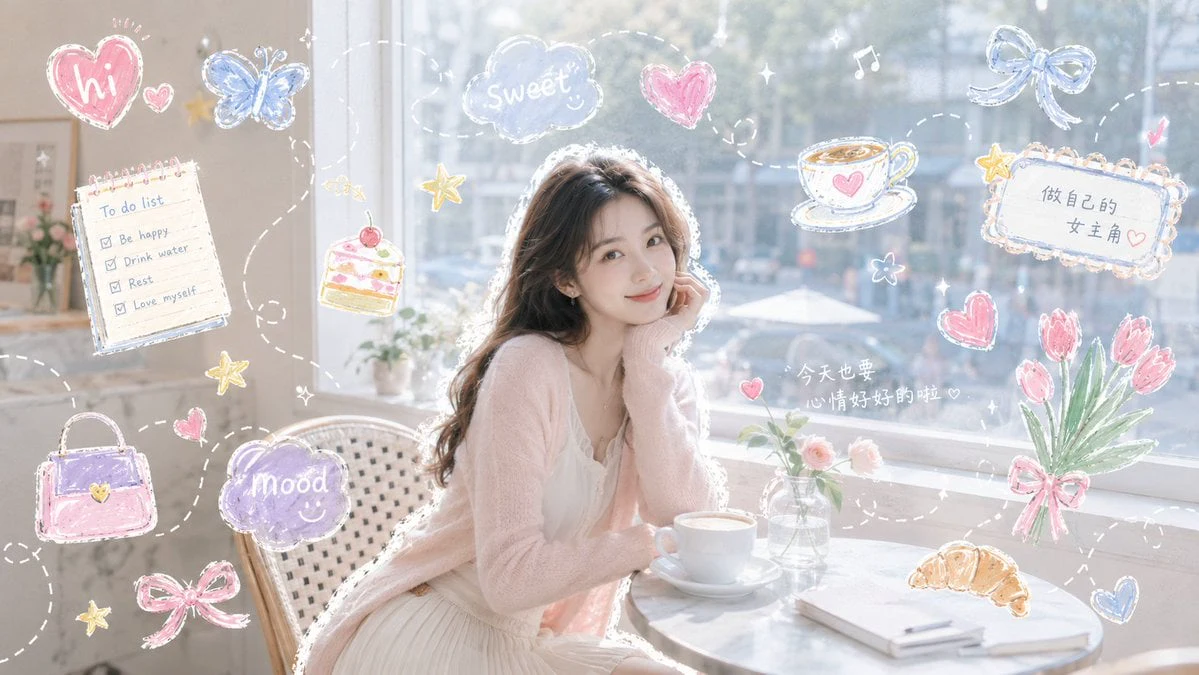
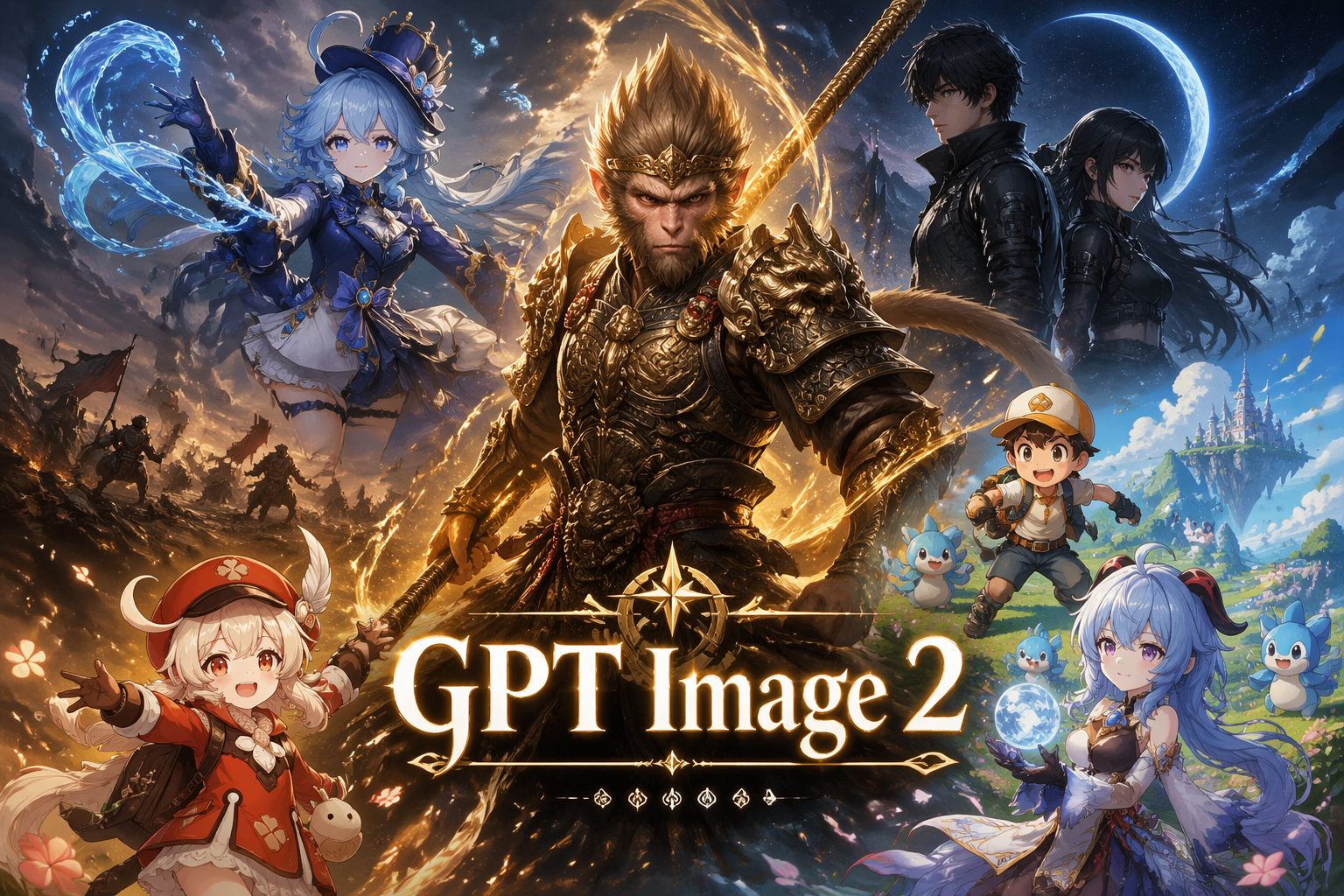
One model can cover photoreal portraits, flat brand illustration, watercolor, ink wash, pixel art, isometric 3D, low-poly, vaporwave, anime, comic styles, and more without extra tuning or LoRA setup.

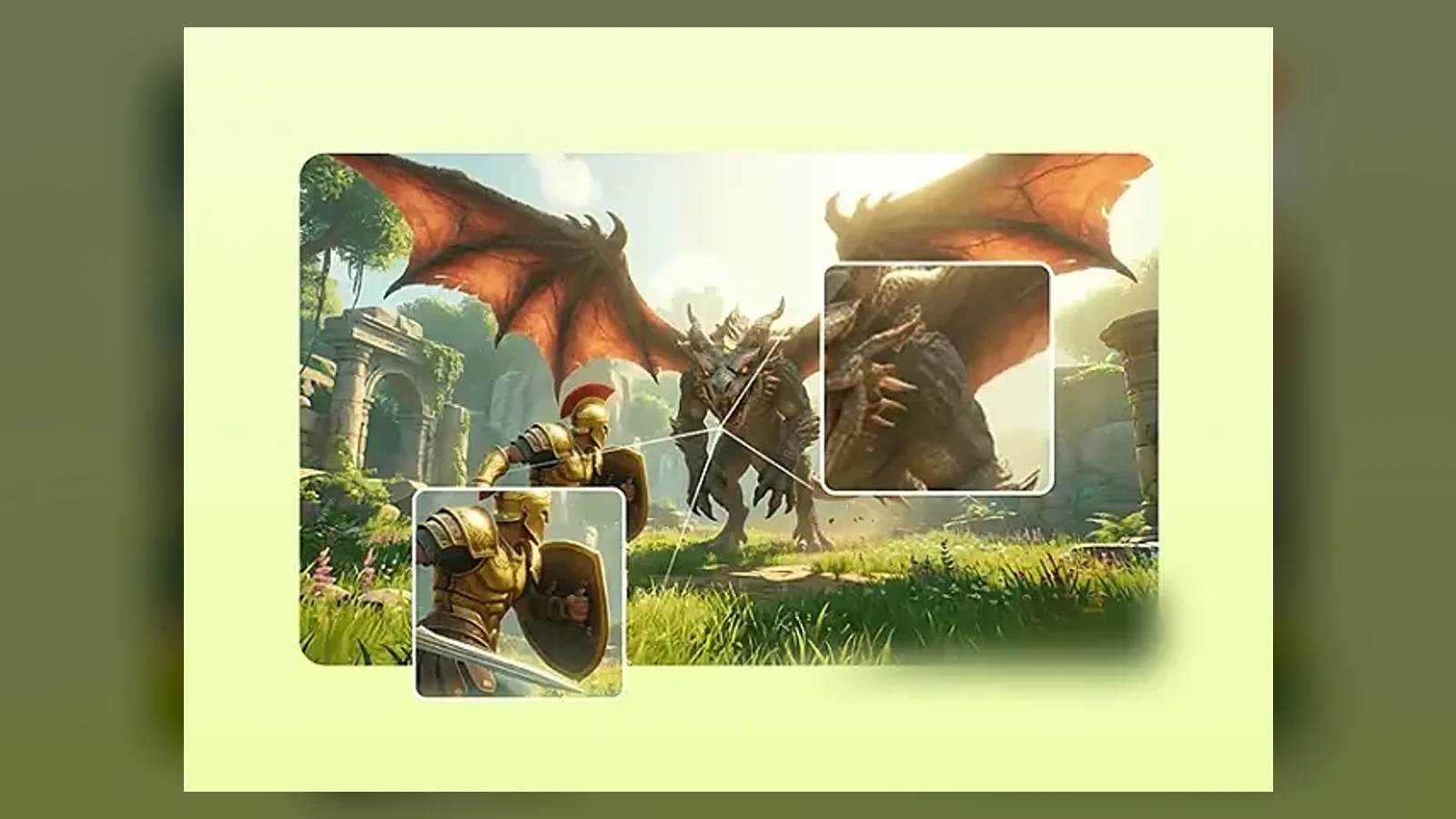
Pixel-Level Precision Editing
Precision Editing

Pixel-Level Precision Editing

GPT Image 2 supports surgical edits that preserve the original scene. Added or changed elements blend more naturally into the image lighting, shadows, and style instead of shifting the whole composition.

Production-Ready 4K Output
Output Quality

Production-Ready 4K Output

Built for professional workflows, GPT Image 2 supports up to 4096×4096 output and flexible aspect ratios. The results stay sharp enough for large-format visuals, polished digital campaigns, and detailed presentation assets.

GPT Image 2 vs Other AI Image Models

Feature / ModelGPT Image 2Nano Banana ProMidjourney v7
ArchitectureAutoregressive MultimodalChain-of-Thought Gemini 3 ProDiffusion Model
Text RenderingNear-perfect, supports complex typography and multilingual textOCR-level precision (94%), supports multi-language layoutLimited, struggles with long text and non-English characters
Maximum Resolution4096×4096 (4K)Up to 4K2048×2048 (Pro Tier)
Editing CapabilitiesConversational, pixel-level precision editingScene-aware, region-specific editingLocal inpainting with moderate control
Knowledge IntegrationBuilt-in world knowledge, eliminates common hallucinationsReal-time Google Search integrationTraining data dependent, no real-time access
Generation SpeedUnder 3 seconds for 4K10-30 seconds (4K)30+ seconds

How to Create Images with GPT Image 2

Use the same three-step flow creators rely on: choose a visual direction, refine the prompt or reference, then generate and export.

Choose A Starting Direction

Step 1 of 3

Choose A Starting Direction

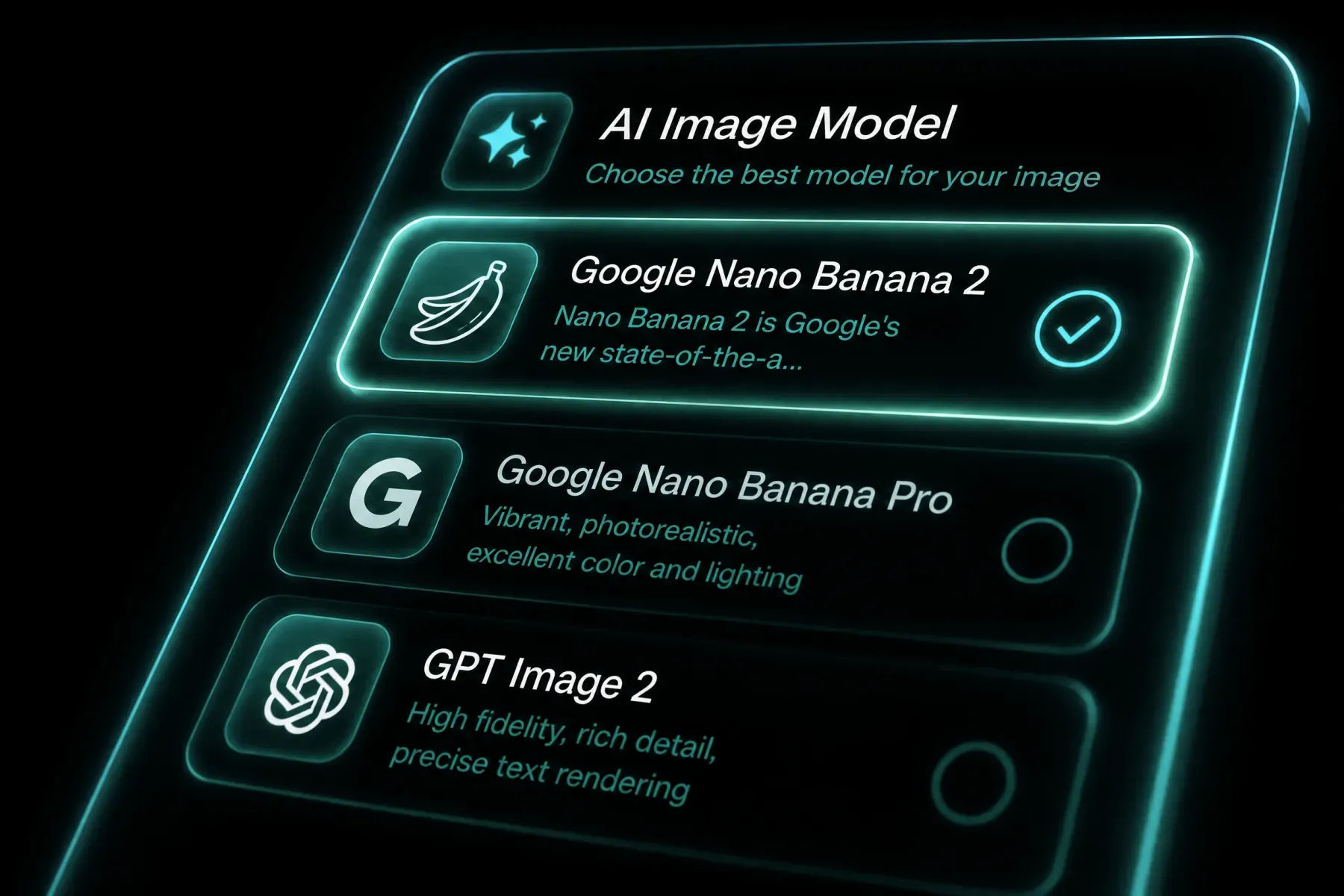
Pick GPT Image 2 in the Sora 2 generator, then decide whether you are starting from a fresh prompt, a reference image, or an existing asset you want to edit. For brand work, it helps to gather layout references, product photos, or typography examples first.
Refine Prompt And Reference Inputs

Step 2 of 3

Refine Prompt And Reference Inputs

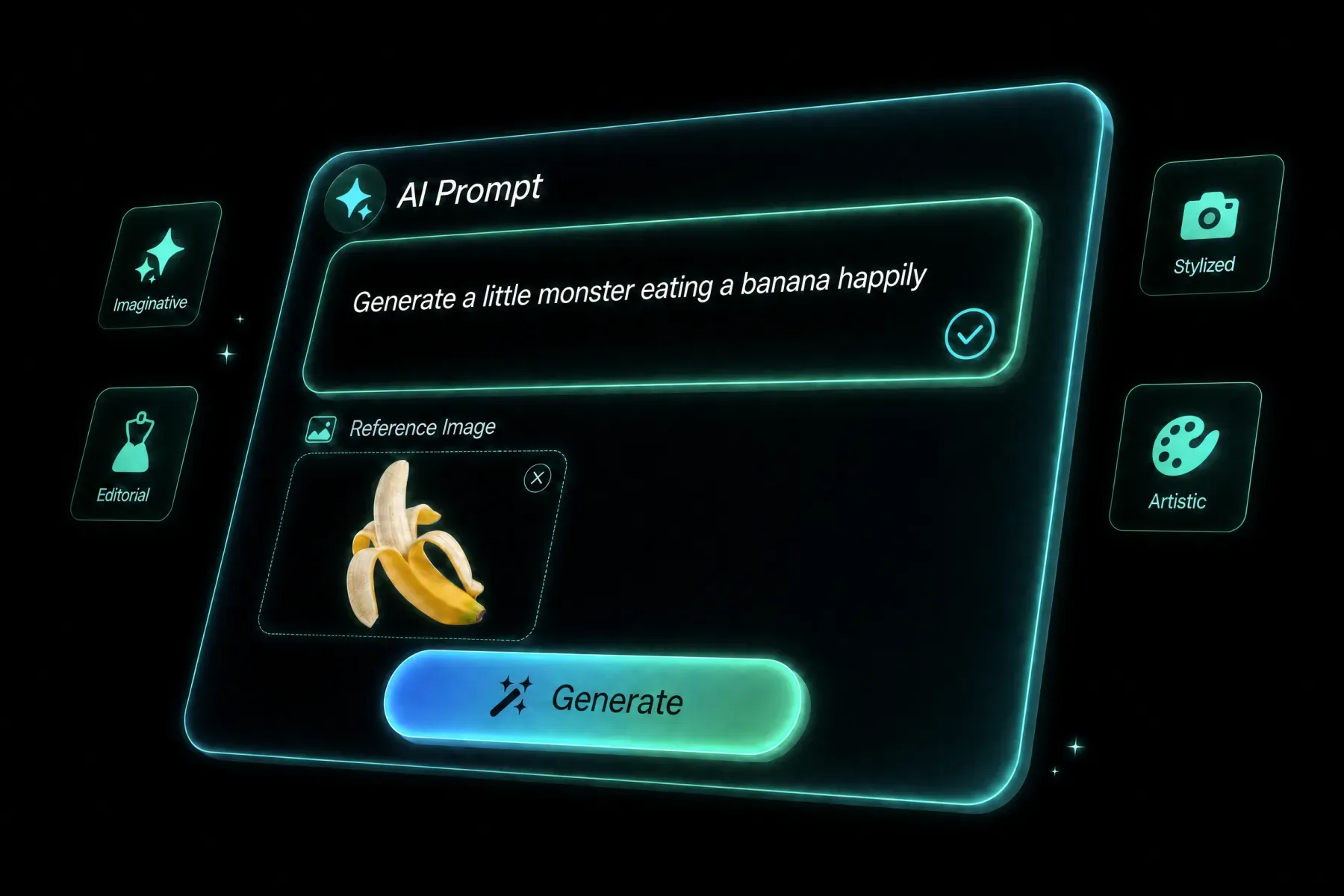
Describe the exact visual goal: subject, composition, text, mood, materials, lighting, and aspect ratio. If you are editing an image, upload the source and clearly explain what should change and what must stay locked.

Generate, Review, And Export

Step 3 of 3

Generate, Review, And Export

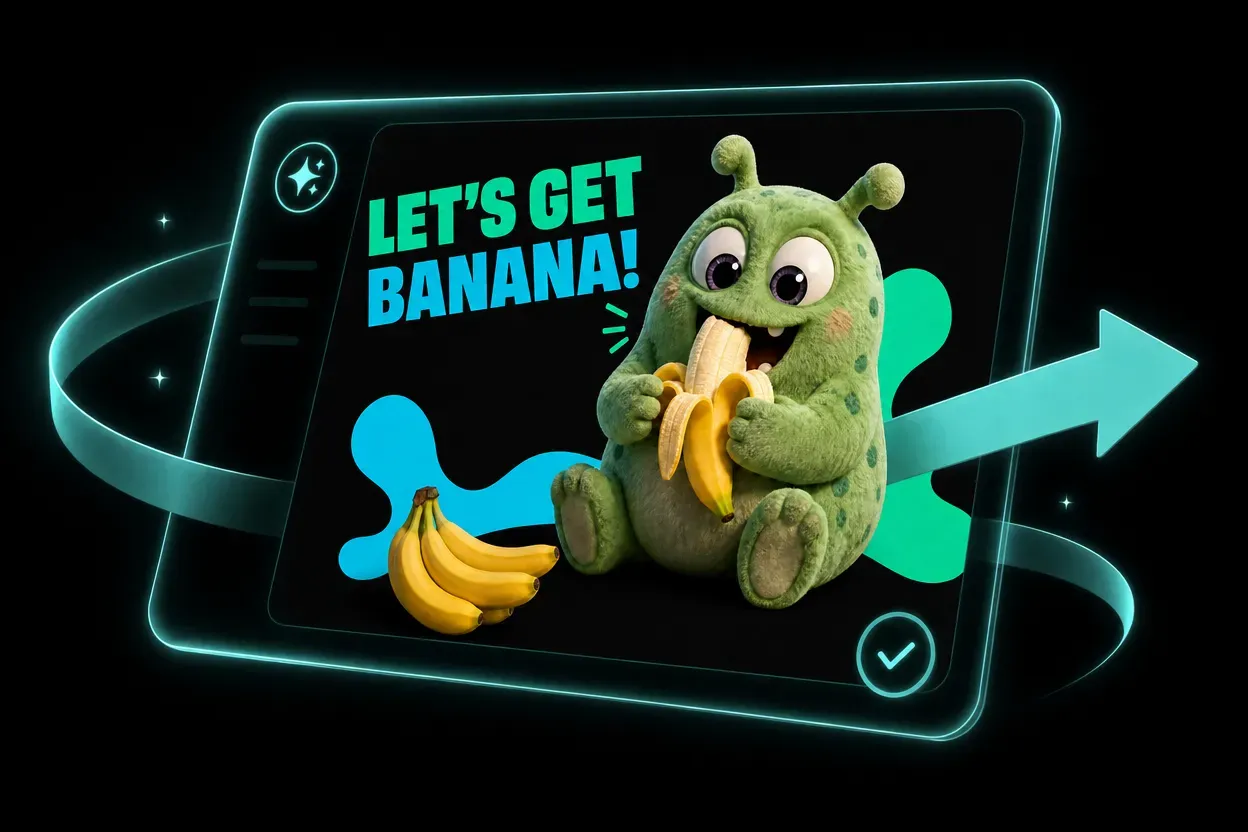
Generate the image, inspect text clarity and layout balance, then iterate on weak spots like spacing, label wording, or product framing. Once the result is stable, export the final asset for campaign, ecommerce, or presentation use.

showcase-1
Best Fit

Built For Professional Visual Workflows

GPT Image 2 is strongest when the output needs to feel presentation-ready, brand-safe, and structurally clear instead of merely eye-catching. It fits professionals who need accurate text, dependable layouts, and faster first drafts they can actually ship.

Marketing

Campaign Assets, Launch Visuals, And Paid Creative

Use GPT Image 2 to draft hero banners, launch posters, paid social ads, and promo graphics with cleaner copy rendering and more consistent brand presentation.

Product & UX

UI Mockups, Product Concepts, And Interface Scenes

It is well suited to app concepts, onboarding scenes, landing visuals, and interface storytelling where layout precision and embedded text matter as much as image quality.

Ecommerce

Product Imagery, Packaging, And Merch Direction

Generate listing visuals, packaging drafts, label concepts, and seasonal merch explorations while keeping product identity, hierarchy, and typography under tighter control.

Publishing

Editorial, Presentation, And Research Visuals

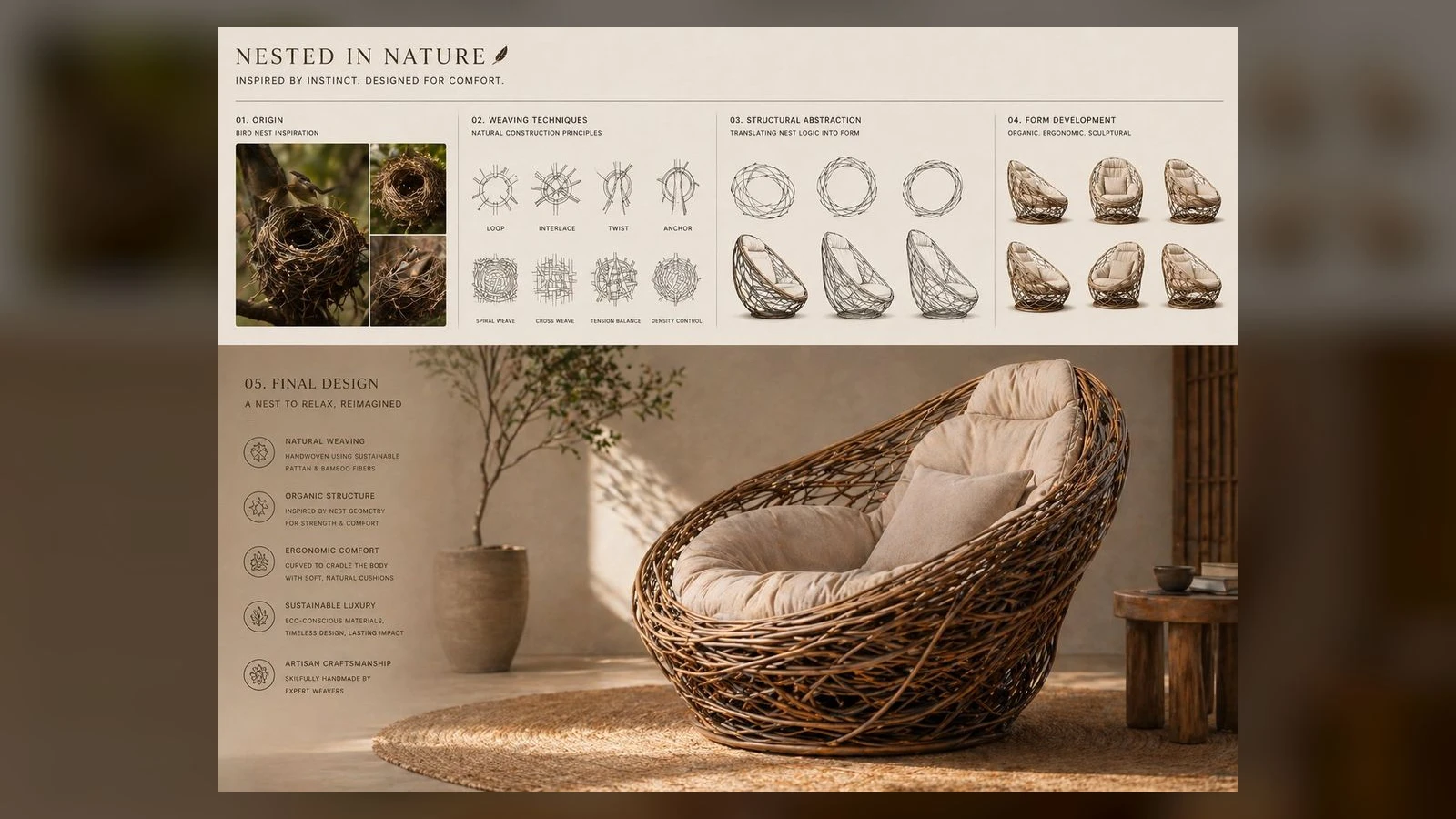
A strong fit for infographics, slide covers, explainers, diagrams, and report visuals whenever legibility, structure, and production-readiness matter as much as style.

Frequently Asked Questions

GPT Image 2 is OpenAI's latest image-generation model for text-to-image creation and reference-guided editing. On Sora 2 it is positioned for sharper typography, stronger instruction following, polished layouts, and commercial-looking visual output.

It is especially strong for posters, branded social graphics, product shots, packaging concepts, UI mockups, presentation visuals, and other assets where layout, readability, and precision matter as much as style.

That is one of its main strengths. GPT Image 2 is designed to handle labels, headline text, interface copy, and more structured visual layouts better than lighter consumer-style image models.

Yes. A common workflow is to upload a reference image, describe the exact changes you want, and keep the rest of the composition as stable as possible. That makes it useful for color swaps, background changes, product refreshes, and layout revisions.

Yes. It is a strong fit for storefront visuals, packaging concepts, hero imagery, and merchandising drafts because it balances realism with controllable layout and typography.

Be concrete. Include subject, framing, lighting, material cues, text requirements, color direction, and the final use case. If you are editing an existing asset, explicitly say what must remain unchanged and what should be replaced.

Yes. You can start from a prompt only, or pair the prompt with a reference image to steer style, composition, or product identity more tightly.

It is a good choice for marketers, designers, founders, ecommerce operators, and content teams who need concept images that are much closer to usable deliverables than a rough inspiration board.

Now Live

THE FUTURE OF IMAGE:GPT IMAGE 2 CREATIVE ENGINE

Move from rough idea to client-ready visual fast: posters, packaging, social creatives, UI mockups, product imagery, and more.

Create with GPT Image 2