

 1
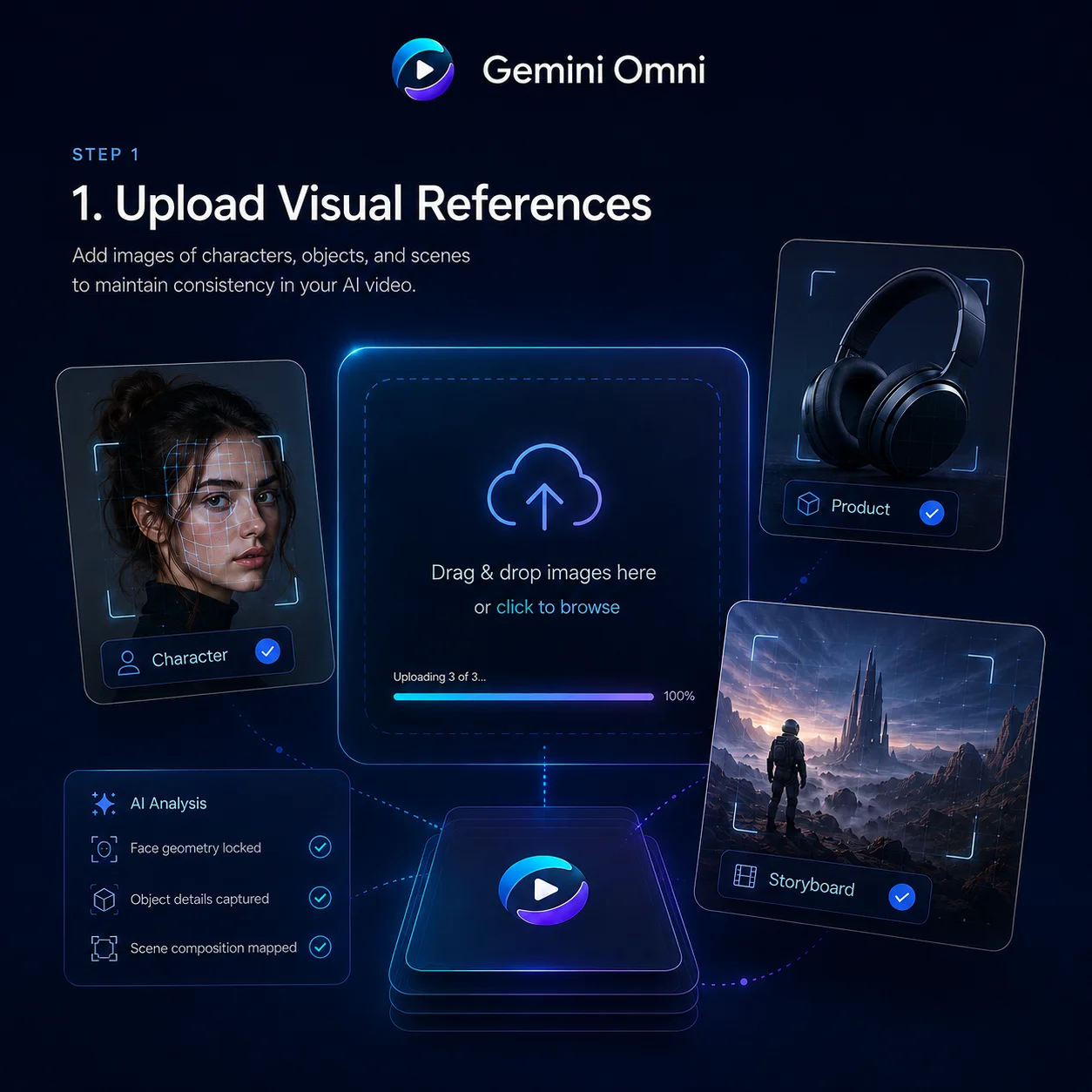
1Choose Gemini Omni Flash in the Generator
Open the BotGo generator, pick Gemini Omni Flash, then decide whether you want to start with a prompt-first draft, frame-guided motion, or a reference-led variation.

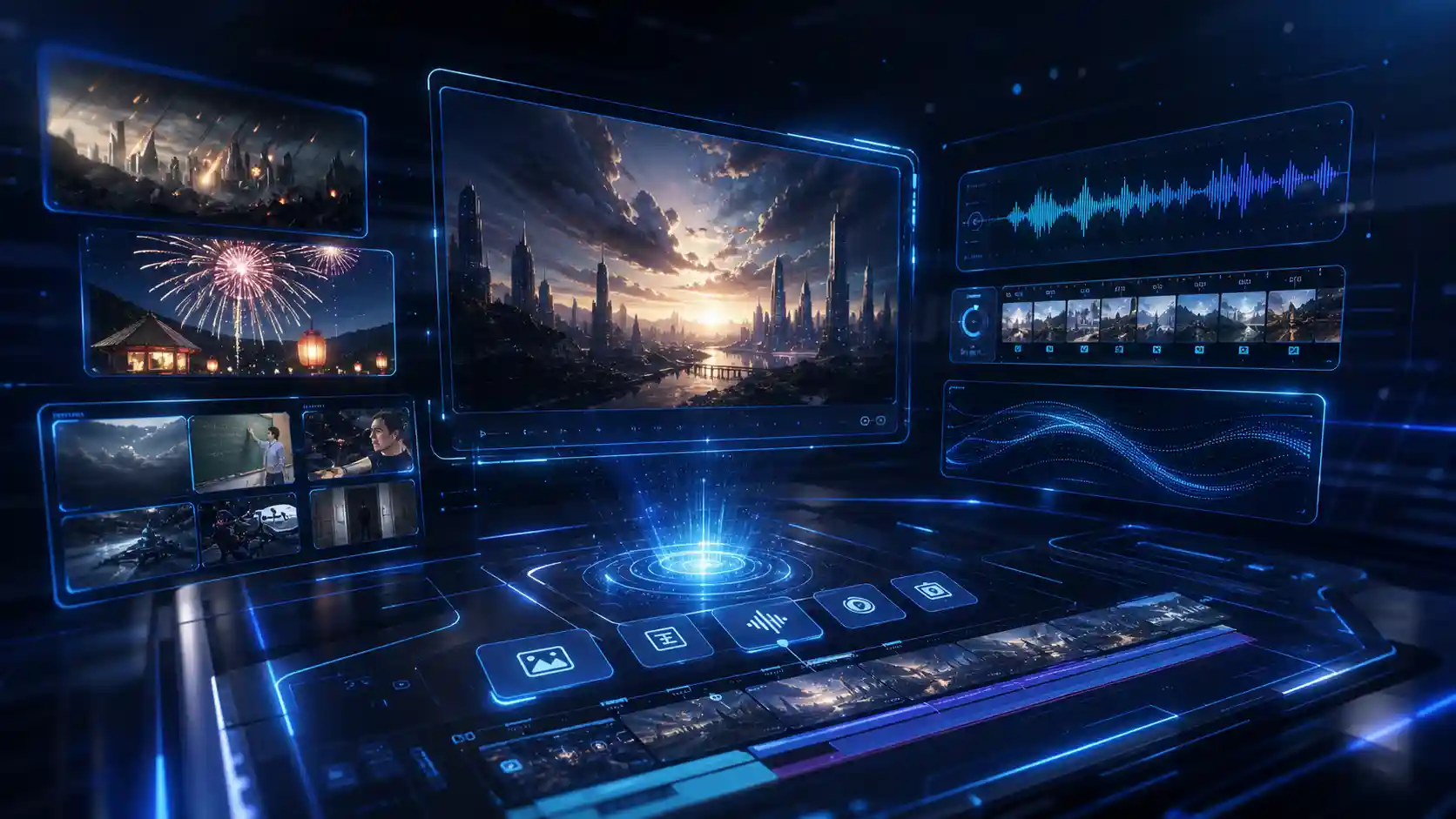
Bring the Gemini Omni Flash experience from Google Flow into BotGo. Start from a prompt, shape motion with frames or references, then keep polishing the same scene with fast natural-language edits instead of rebuilding from scratch.
Explore public creations, inspect their recipes, and make them your own.
Explore the Gemini Omni Flash workflows that feel most natural on BotGo, from social-first ideation and expressive close-ups to cinematic motion, visual rewrites, and reference-led scene building.
Gemini Omni Flash keeps chalkboards, equations, annotations, and instructional framing clearer on screen, making it a strong fit for lessons, explainers, and any video where legibility matters.
Build moody skies, layered lighting, and cinematic depth without flattening the frame. It is well suited to dramatic openers, trailers, and visual scene-setting with stronger atmosphere.
Gemini Omni Flash keeps speed, impact, and debris readable in motion so action moments feel intentional instead of smeared. It works well for chase scenes, transitions, and high-energy social cuts.
Create more polished expressions, controlled eye lines, and cleaner close-up coverage for dialogue, beauty, fashion, and character-driven storytelling.
Move through doorway reveals, corridor beats, and story-driven transitions while keeping wardrobe, lighting, and spatial logic more consistent across the sequence.
Generate destruction beats, dramatic skyline reveals, and cinematic worldbuilding for trailers, concept teasers, and visually ambitious short-form content.
| Feature | Gemini Omni Flash | Veo 3.1 | Sora 2 | Runway |
|---|---|---|---|---|
| Current Status | Live | Live | Live | Live |
| Best Fit | Edit-first social video | Cinematic prompt-to-video | Storyboard-led concept videos | Ad-ready production workflows |
| Workflow Style | Prompt · Reference · Rewrite | Prompt · Image · Camera | Prompt · Storyboard · Remix | Prompt · Shot Planning · Direction |
| Sound & Dialogue | Integrated | Integrated | Integrated | Post-ready |
| Reference Images | Yes | Yes | Yes | Yes |
| Vertical Social Delivery | Strong | Strong | Moderate | Strong |
| Text / Interface Clarity | ||||
| Human Close-Ups | ||||
| Edit-First Flexibility | ||||
| Fast Iteration | ||||
| Cinematic Worldbuilding |
Start with a prompt, add frames or references only when you want tighter control, then keep iterating in the same fast BotGo workflow without breaking creative momentum.
1Open the BotGo generator, pick Gemini Omni Flash, then decide whether you want to start with a prompt-first draft, frame-guided motion, or a reference-led variation.
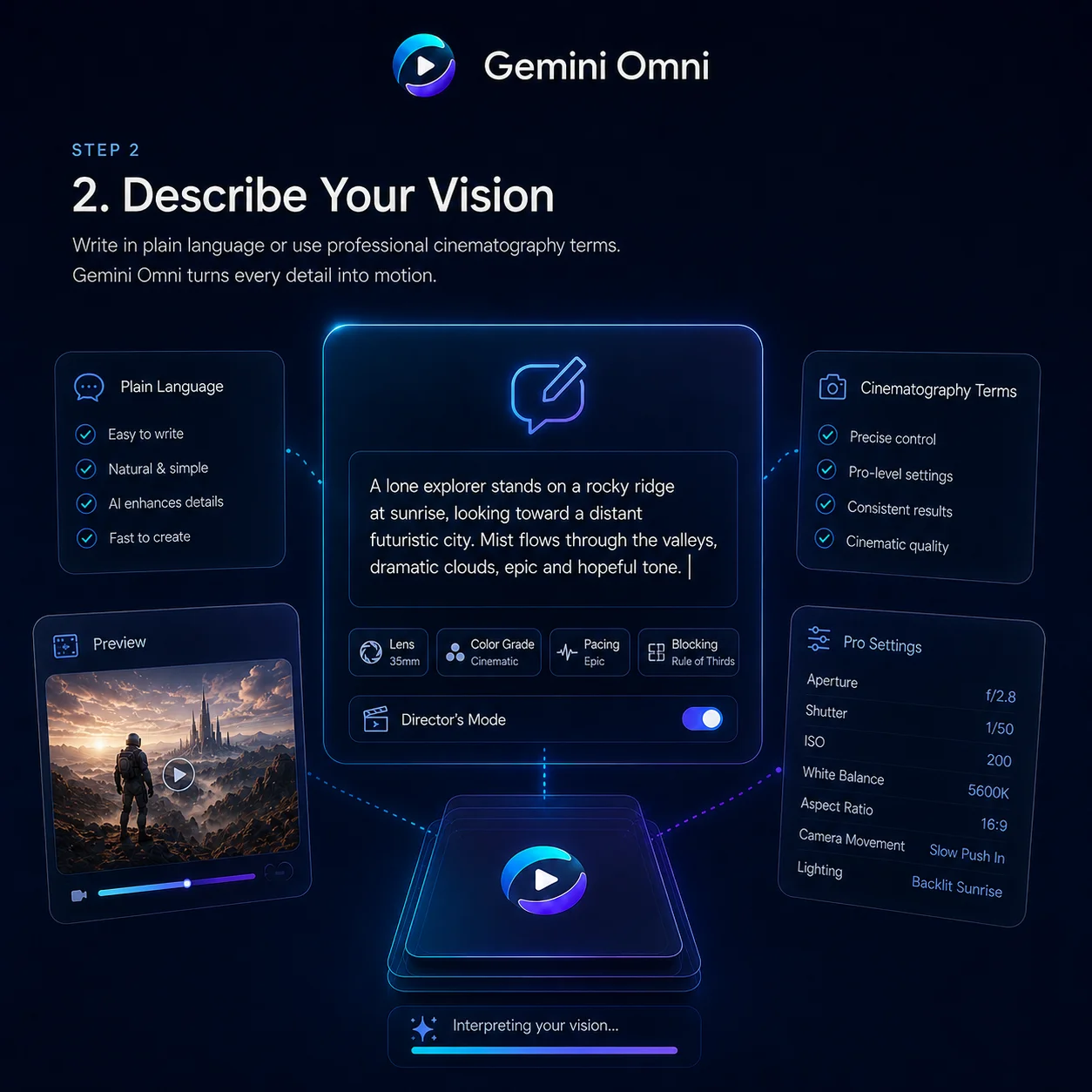 2
2Describe the core idea, then optionally add a lead image, first and last frames, or a curated 3-image reference set to guide subject, motion, and visual mood without overcomplicating the workflow.
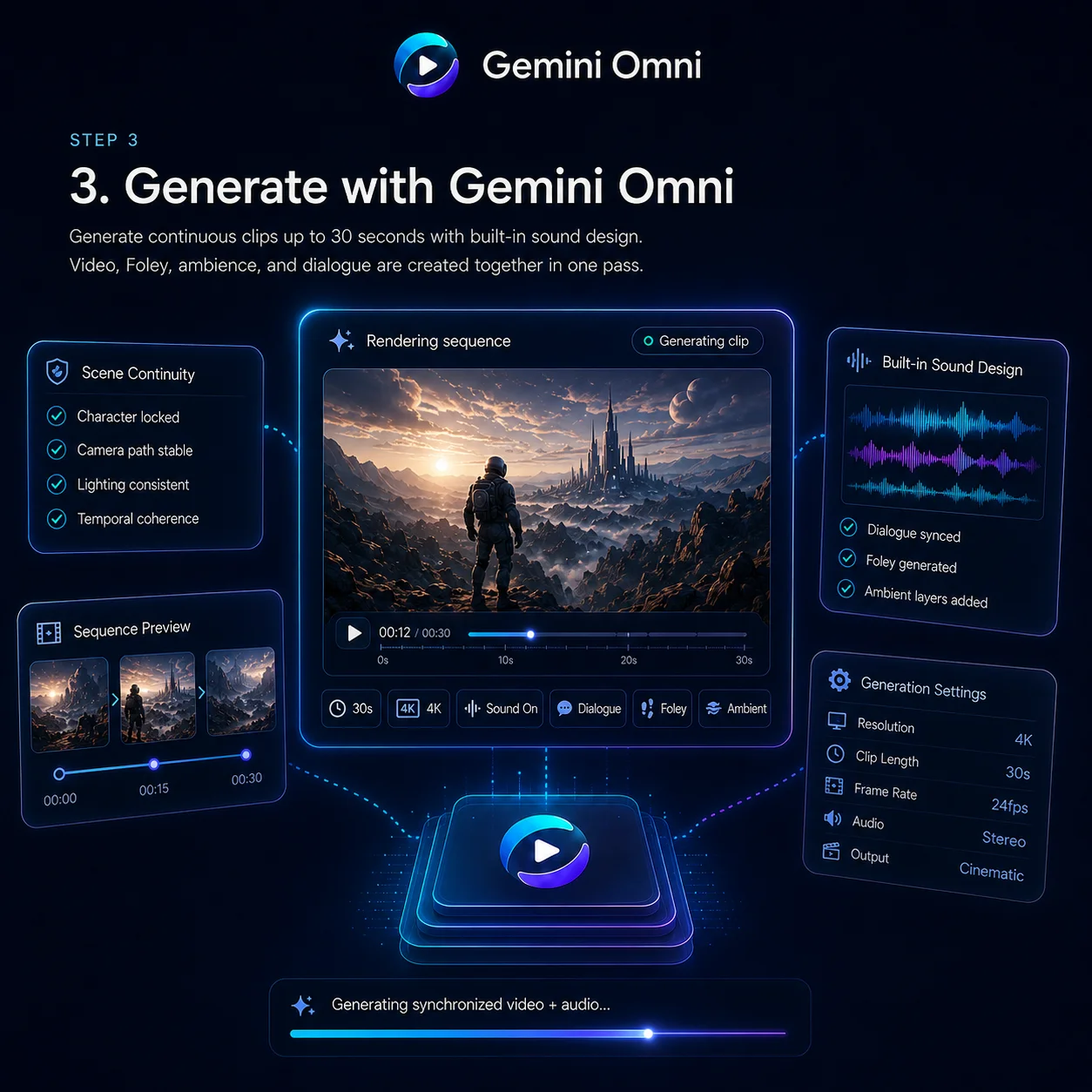 3
3Create the first cut, judge what works, then keep refining inside the same lightweight loop that makes Gemini Omni Flash so effective for social, product, and concept-driven work.
Turn this spaghetti into creamy soup
Edit any clip with simple natural-language instructions. Replace a subject, adjust the scene, or refine motion while keeping camera angle, lighting, and surrounding context consistent.
A prompt-led workflow for AI video creation, editing, and remixing built for creators, marketers, and ecommerce teams
Use Gemini Omni Flash to turn one visual idea into multiple social-ready edits for TikTok, Reels, Shorts, creator promos, and fast-moving trend formats that need both speed and polish.
It is well suited to ecommerce teams that need product storytelling, visual replacement, catalog-friendly motion assets, and rapid variations for listings, landing pages, and conversion-focused media.
Build campaign videos, brand storytelling, feature launches, app walkthroughs, and paid social variants with a workflow that moves quickly from prompt to polished revision-ready output.
Gemini Omni Flash fits content teams that need to remix one source idea into tutorials, educational scenes, scripted explainers, and multi-format AIGC assets for repeated publishing workflows.
Gemini Omni Flash is Google’s fast, edit-friendly video workflow on BotGo. It is designed for prompt-led creation, reference-aware styling, and quick scene rewrites when you want to iterate instead of starting over.
It is especially strong for social-first videos, product explainers, narrative shorts, tutorial scenes, dialogue-led clips, and any workflow that benefits from both generation and fast post-style rewrites in one place.
Yes. The workflow is positioned around more than one-shot generation. It is designed for scene rewrites, visual cleanup, prompt-guided revisions, and reference-based iteration after the first draft.
That is one of the most compelling use cases shown on this page. Gemini Omni Flash is well suited to targeted cleanup and object-level scene revisions while keeping the broader timing and composition intact.
On BotGo you can use Gemini Omni Flash as a prompt-first text or image workflow, a first and last frame guided flow, or a dedicated 3-image reference mode for tighter stylistic control.
You can begin with only a prompt, add a single image for visual direction, use first and last frames to anchor motion, or bring a curated 3-image reference set when style and subject consistency matter more.
Gemini Omni Flash is a strong fit for creators, marketers, educators, agencies, and content teams that need social-ready videos plus a faster way to revise shots, clean frames, and produce multiple variants.
Yes. Gemini Omni Flash is live on BotGo today, so you can move from idea to revision-ready video in the same creation surface right now.
Explore other high-performing video models already available on BotGo.
Google’s live cinematic video model with strong camera language, polished motion, and high-end visual delivery
✓ AvailableA strong choice for multimodal references, frame-aware workflows, and production-ready control available right now
✓ AvailableOpenAI’s narrative-focused video workflow for storyboard-style concepting and remix-led visual storytelling
✓ AvailableBring prompts, frames, and reference ideas into one creative loop with Gemini Omni Flash, then turn fast first drafts into polished social-ready videos on BotGo.
Create with Gemini Omni Flash