 1
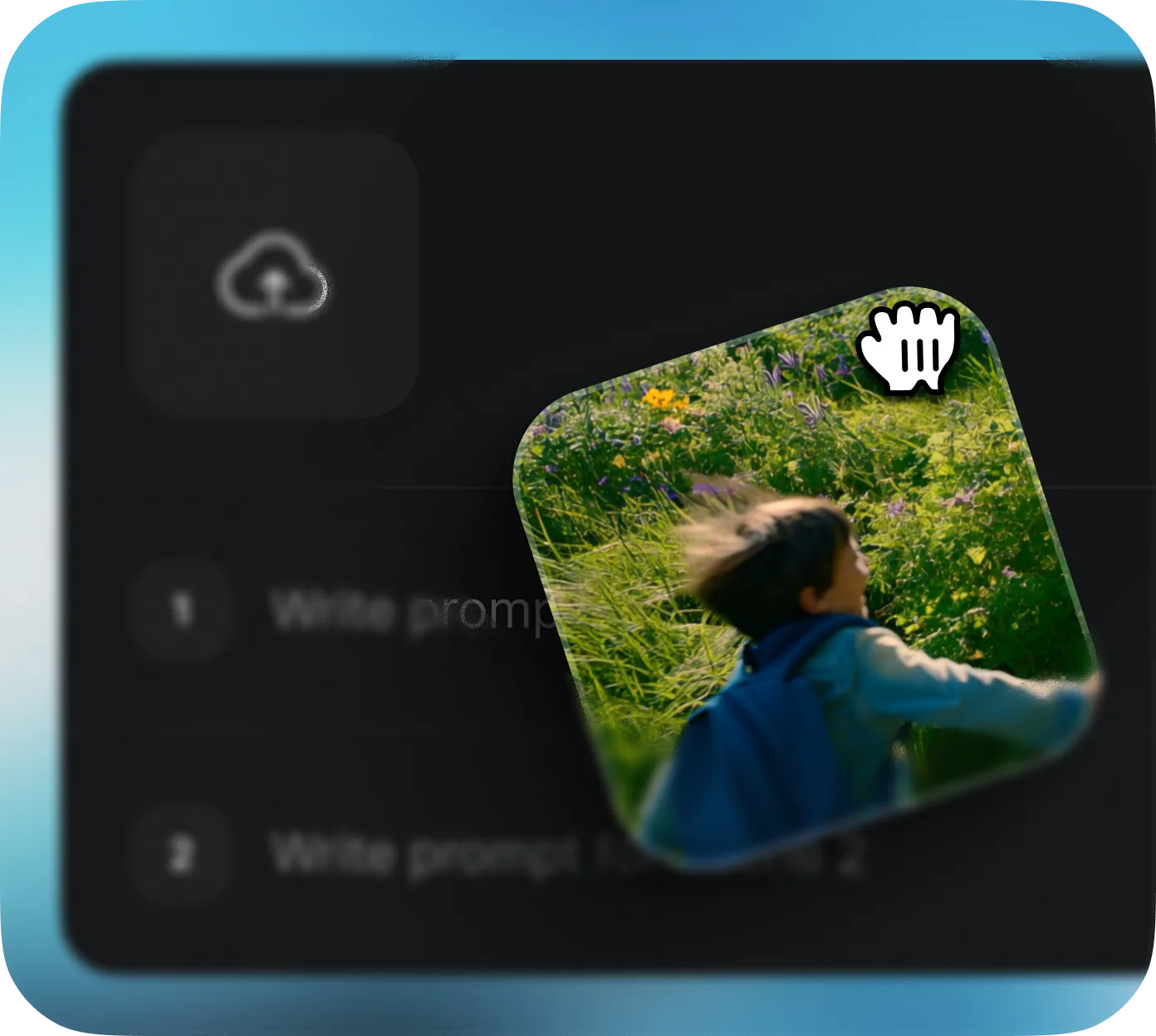
1Choisir le modele Sora 2
Ouvrez botgo.ai et selectionnez "Sora 2" dans la liste des modeles. Importez une image de reference ou commencez avec un prompt texte pour guider la generation.

Sora 2 d OpenAI genere des videos haute fidelite qui respectent les lois de la physique et maintiennent des etats du monde coherents sur plusieurs plans. A partir de texte, d images ou de video, creez un contenu cinematographique au realisme remarquable.
Explorez les créations publiques, consultez leurs recettes et créez votre propre version.
Découvrez les puissantes capacités qui font de Sora 2 un générateur de vidéo IA hors du commun.
Sora 2 comprend et simule la physique du monde reel: gravite, dynamique des fluides, collisions et interactions d objets. Chaque image respecte les lois physiques pour produire des videos credibles.
Generez des videos tres realistes avec textures, eclairage et details naturels. Sora 2 excelle dans la creation de personnes, environnements et objets presque indifferenciables de prises de vue reelles.
Utilisez Remix pour transformer des videos existantes en nouvelles creations. Publiez une video, selectionnez Remix, decrivez la scene suivante et laissez Sora 2 prolonger ou reimaginer le contenu de facon fluide.
Maintient une coherence parfaite entre plusieurs plans et scenes. Personnages, environnement, lumiere et objets restent stables sur toute la video, ideal pour des recits multi-scenes complexes.
Creez des narrations cinematographiques avec angles multiples, transitions et arcs de personnages. Sora 2 gere des intrigues complexes avec continuite fluide et rythme naturel.
Affinez mouvement de camera, actions, ambiance, style et timing. La comprehension avancee des prompts par Sora 2 convertit des instructions detaillees en resultats visuels precis.
| Fonctionnalité | Sora 2 | Sora 2 Pro | Veo 3.0 | Grok Imagine |
|---|---|---|---|---|
| Résolution Max | 720p | 1080p | 1080p | 480p / 720p |
| Max Duration | 15s | 25s | 8s | 30s |
| Rapports d'aspect | 2 options | 2 options | 2 options | 5 options |
| Input Types | Text, Image, Remix | Text, Image, Remix | Text, Image | Text, Image |
| Max References | 1 image | 1 image | 1 image | 1 image |
| First Frame | ✅ | ✅ | ✅ | ✅ |
| Last Frame | ❌ | ❌ | ❌ | ❌ |
| Audio Sync | ✅ | ✅ | ❌ | ❌ |
| Mode Storyboard | ✅ | ✅ | ❌ | ❌ |
| Insérer Personnage | Cast-In | Cast-In | ❌ | ❌ |
| Remix | ✅ | ✅ | ❌ | ❌ |
| Visual Consistency | ||||
| Motion & Physics | ||||
| Creative Replication | ||||
| Ease of Use |
Commencez en trois étapes simples — sans expérience en montage vidéo.
1Ouvrez botgo.ai et selectionnez "Sora 2" dans la liste des modeles. Importez une image de reference ou commencez avec un prompt texte pour guider la generation.
 2
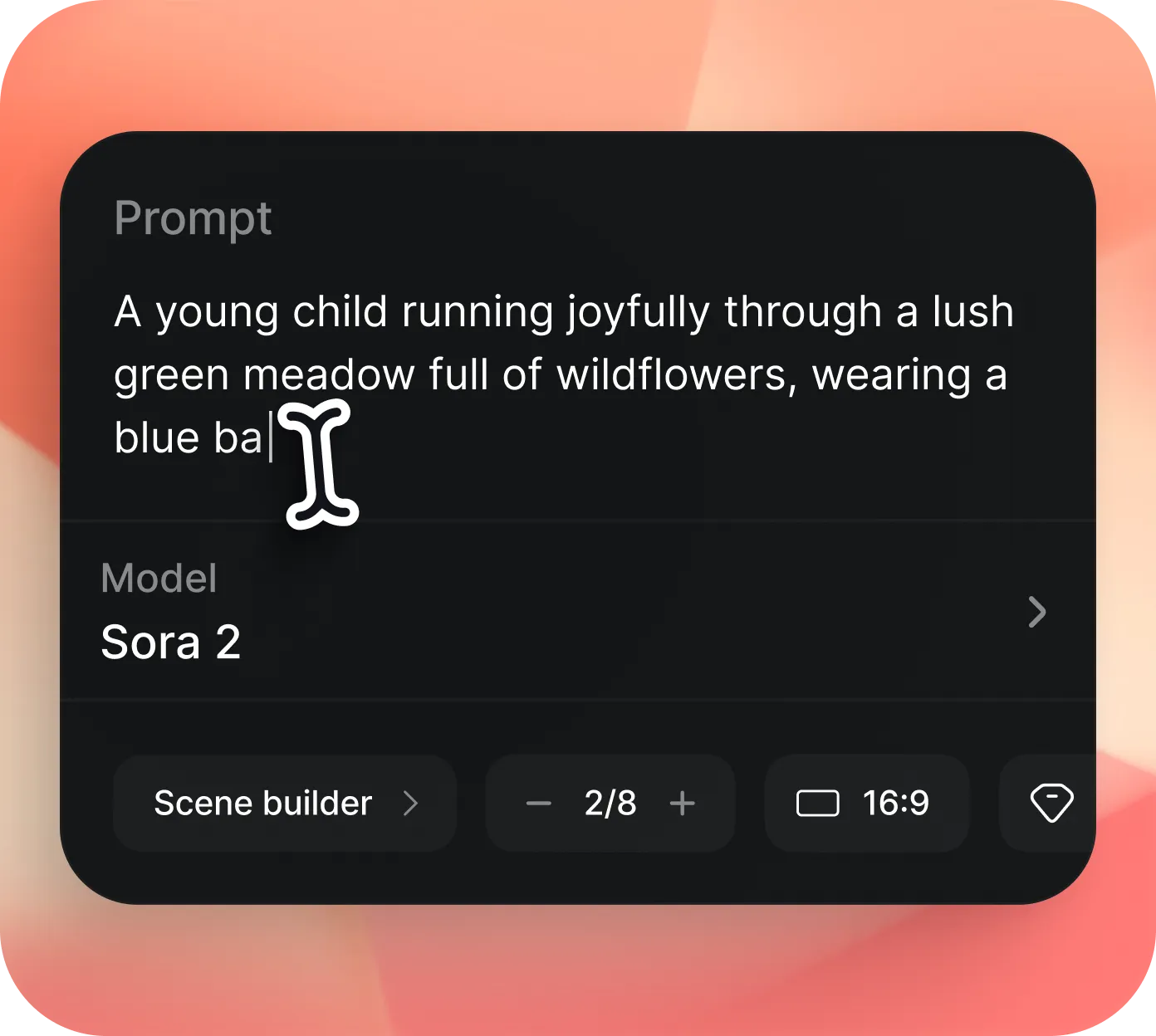
2Ecrivez un prompt detaille avec scene, action, ambiance et angles de camera. Choisissez le ratio (16:9 ou 9:16), la resolution (720p) et la duree (10s-15s).
 3
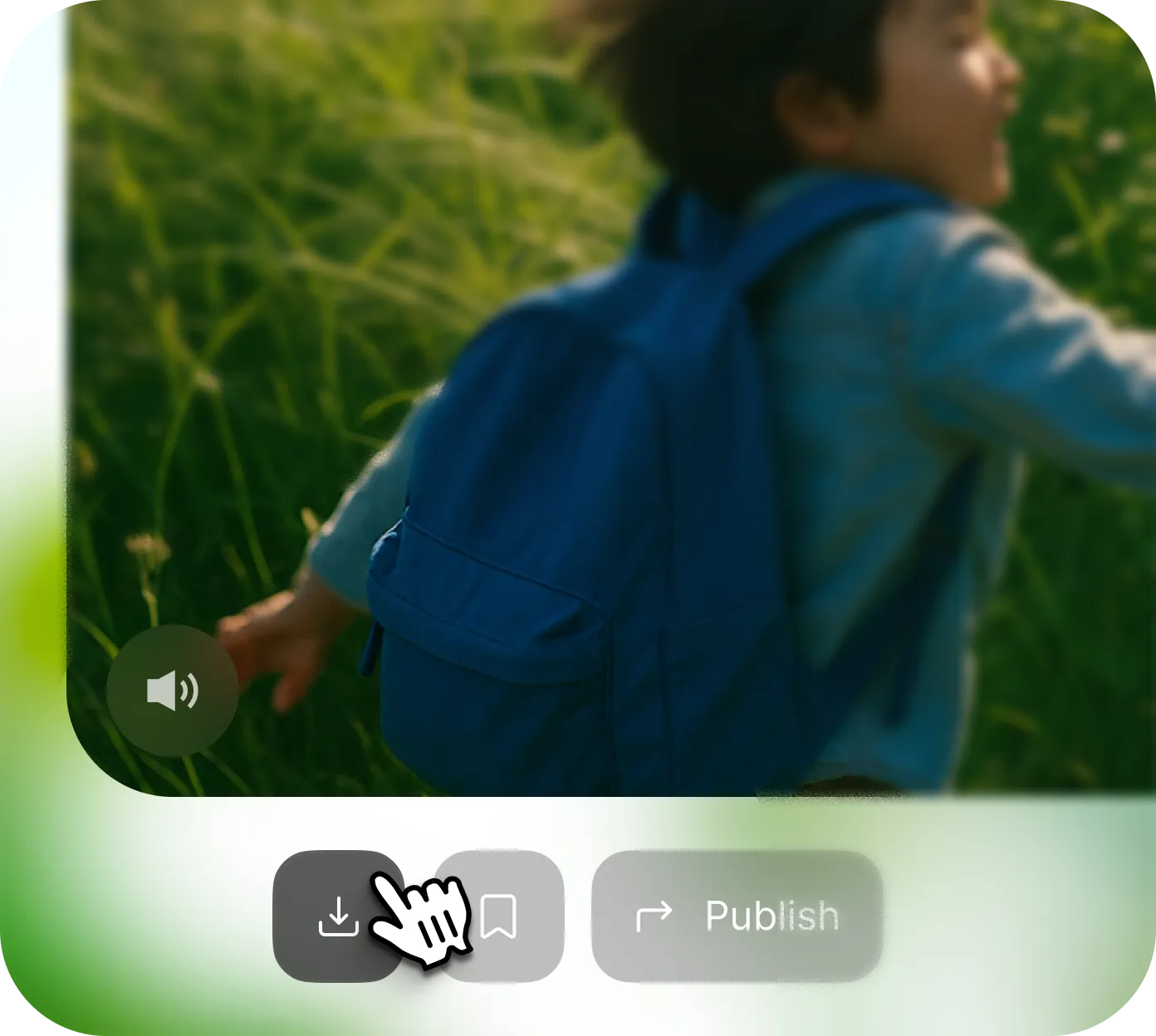
3Cliquez sur "Generate" et laissez Sora 2 donner vie a votre idee. Previsualisez puis telechargez la video en haute qualite, prete a etre publiee sur toute plateforme.
Sora 2 est le modele de generation video nouvelle generation d OpenAI. Il cree des videos de haute qualite a partir de texte et d images grace a une architecture diffusion + transformer avancee, avec mouvements realistes et transitions coherentes.
Rendez-vous sur botgo.ai, choisissez "Sora 2", entrez votre prompt creatif ou importez une image de reference puis cliquez sur Generate. Les utilisateurs gratuits recoivent des credits quotidiens pour generer en 720p sans carte bancaire.
Remix est un outil creatif unique de Sora 2 permettant de transformer une video existante en nouvelle creation. Generez une premiere video, publiez-la, puis decrivez la scene suivante dans Remix pour prolonger ou reinterpreter le resultat.
Sora 2 est une evolution majeure du Sora original (fevrier 2024), avec des progres importants en realisme, precision physique, controlabilite et style visuel. Il ajoute aussi Remix et le storytelling multi-plans.
Sora 2 genere des videos jusqu en 720p avec ratios 16:9 et 9:16. Les videos peuvent durer jusqu a 15 secondes, avec une qualite visuelle elevee, une physique realiste et un mouvement cinematographique.
Oui. Les videos creees avec Sora 2 sur botgo.ai peuvent etre utilisees a des fins personnelles et commerciales (reseaux sociaux, marketing, YouTube, etc.), sous reserve des conditions de la plateforme et de la licence du modele.
Sora 2 prend en charge texte-vers-video et image-vers-video. Vous pouvez fournir un prompt detaille ou televerser une image de reference pour guider le rendu visuel.
Sora 2 est concu pour comprendre et simuler la physique reelle: gravite, fluides, interactions d objets et proprietes de materiaux. Les videos obtenues montrent des mouvements naturels, des collisions realistes et un eclairage coherent.
Essayez d'autres puissants modèles de génération vidéo IA disponibles sur botgo.ai.
Le dernier modele video IA de Google avec synchronisation audio native et sortie 4K
✓ DisponibleLe modele video creatif de xAI avec support multi-ratios et generation jusqu a 15s
✓ DisponibleGeneration d image IA ultra haute resolution jusqu a 4K avec 10 options de ratio
✓ DisponibleTransformez textes, images et audio en vidéos cinématographiques avec narration multicaméra et précision image par image
Essayez Sora 2 Maintenant