


Holiday Toy Airplane - Sunburst
Edit

Plus animated GIFs, SVG export, and up to 4K output. 365 Unlimited for all plans.
Explore and recreate GPT Image 2.6 ideas.
GPT Image 2.6 creates and edits images from text and up to 16 references. Explore Flare and Sunburst for campaign visuals, consistent characters and precise revisions, with animated GIFs, SVG graphics, transparent backgrounds and output up to 4K on compatible options.
Turn a visual brief into a useful image, then refine the details that matter.
Create short looping GIFs for mascots, stickers and reactions on compatible channels. Describe the starting pose, one clear action and the return to the first frame. GIF output is animation, not a substitute for an audio or long-video workflow.
Move between photography, illustration and crafted visual treatments while specifying the details to retain. Flare suits quick rounds of exploration; Sunburst is an option when a composition needs more attention to detail.
Upload the original image, describe the change and list what must stay unchanged. Use the existing Image Editing workflow for product revisions, background changes, layout-preserving translations and other reference-guided edits.
Assign a clear role to each reference and check how subjects, materials and lighting work together. On channels with complexity controls, separate scene planning from image quality rather than increasing every setting for a small edit.
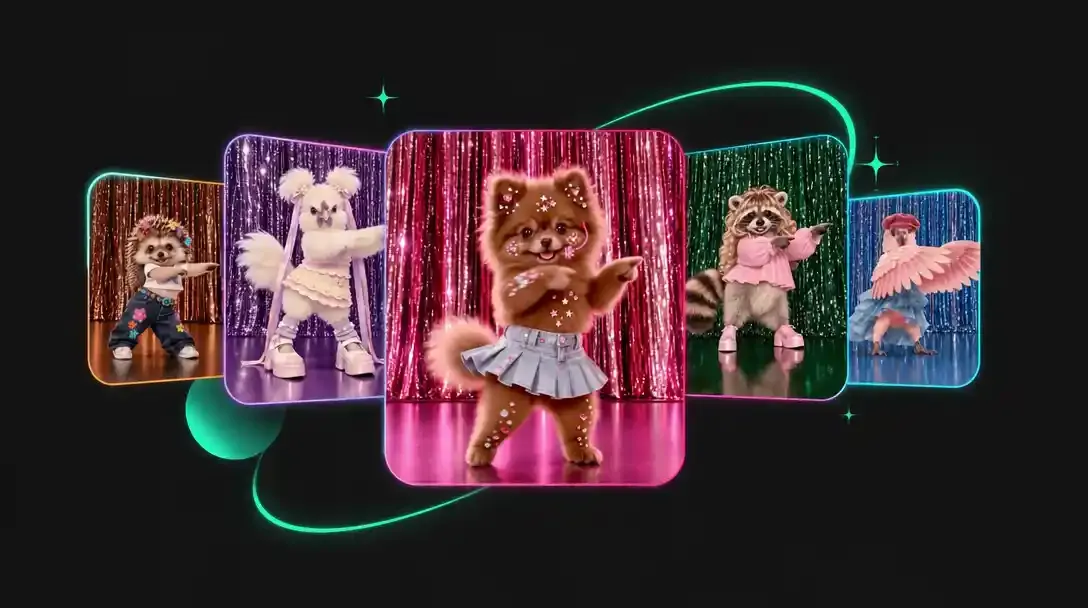
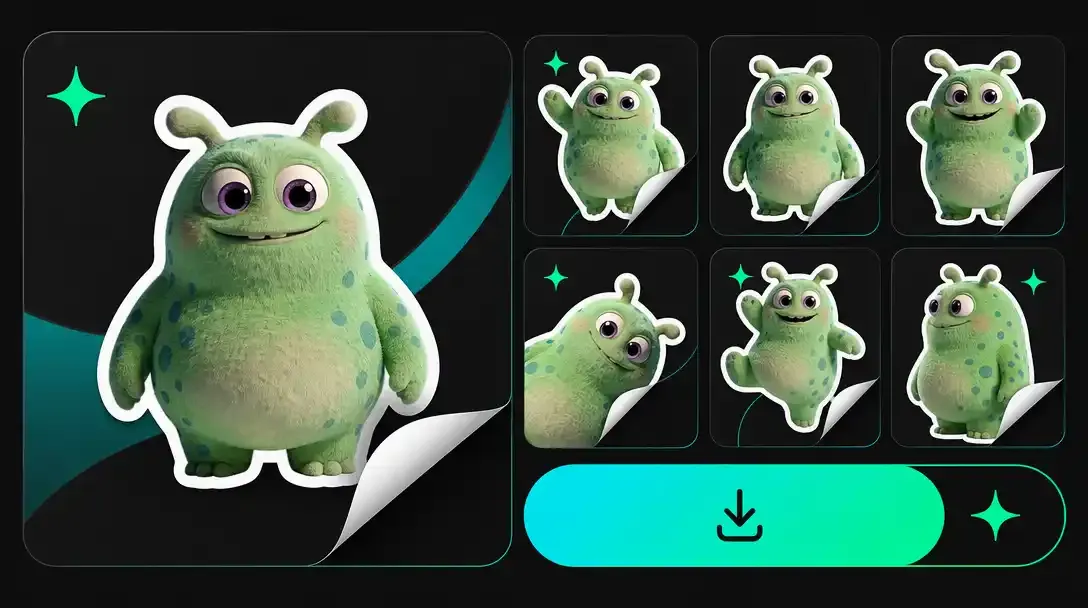
Create looping mascots, stickers and reactions with GPT Image 2.6. Describe one clear action and a return to the opening pose for a compact animation that works across social channels.
Develop logos, badges and interface icons as scalable SVG graphics. Describe simple shapes, colors and lettering, then inspect the vector paths before adding the asset to a brand or design system.
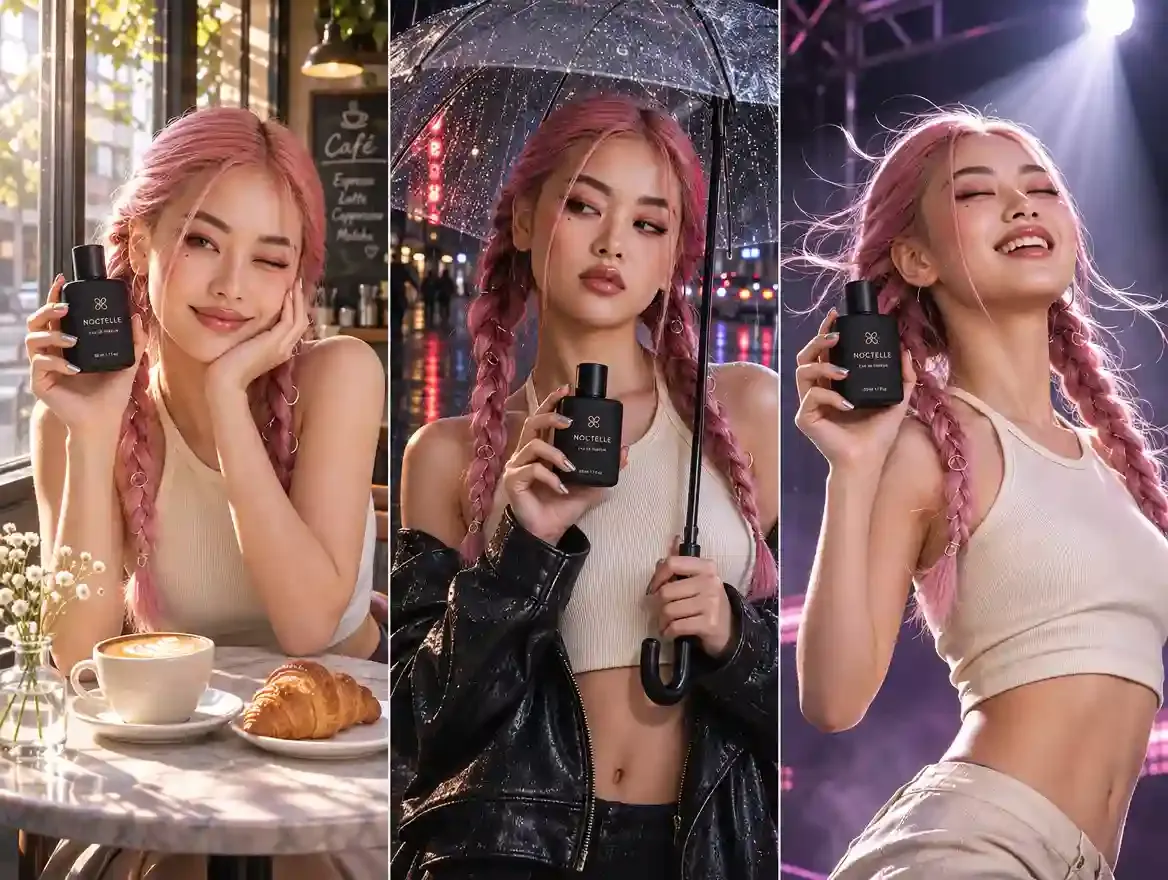
Carry a recognizable face, outfit or product into new settings. Use original references and name the details to preserve when building a campaign, character series or product catalog.
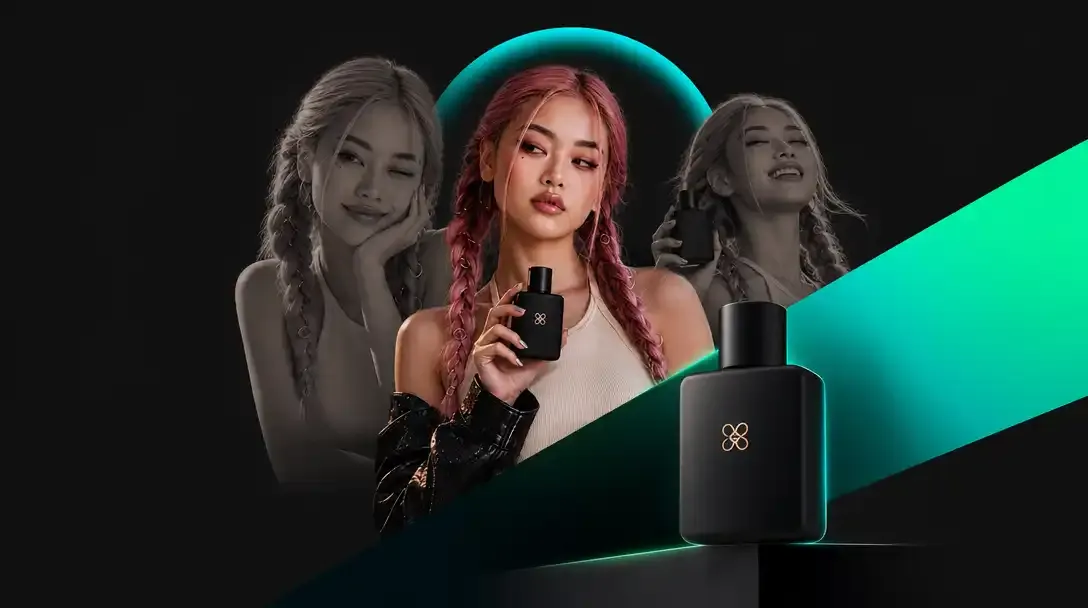
Upload a source image and describe the change in plain language. Revise a label, recolor an object or replace a backdrop while specifying the composition and details that should stay intact.
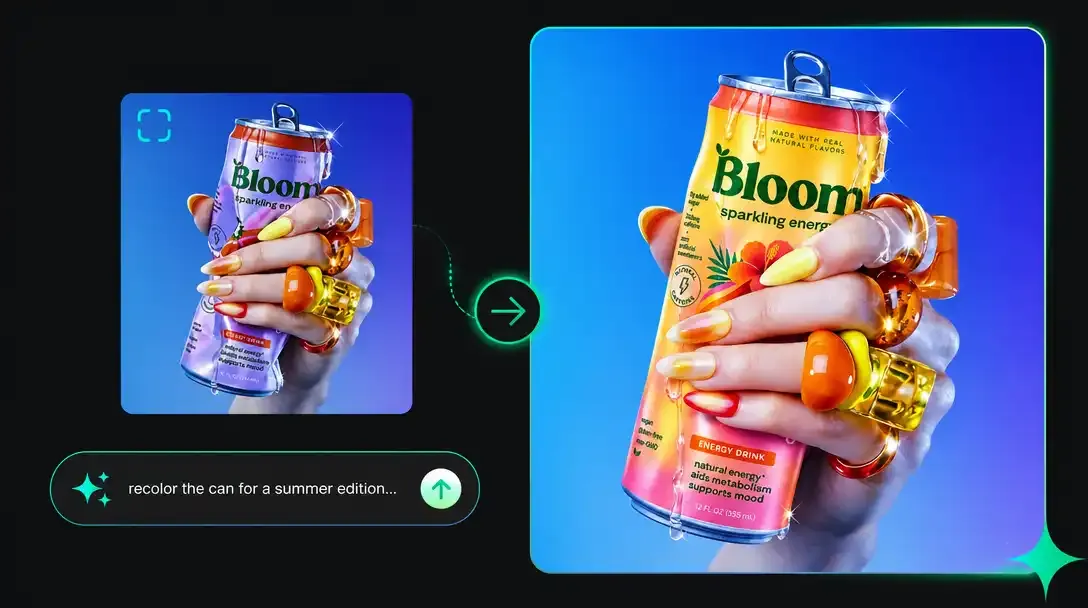
Choose low, medium or high scene complexity on supported options. Keep image quality separate from layout planning: adjust complexity for dense compositions and quality for finer textures and lettering.
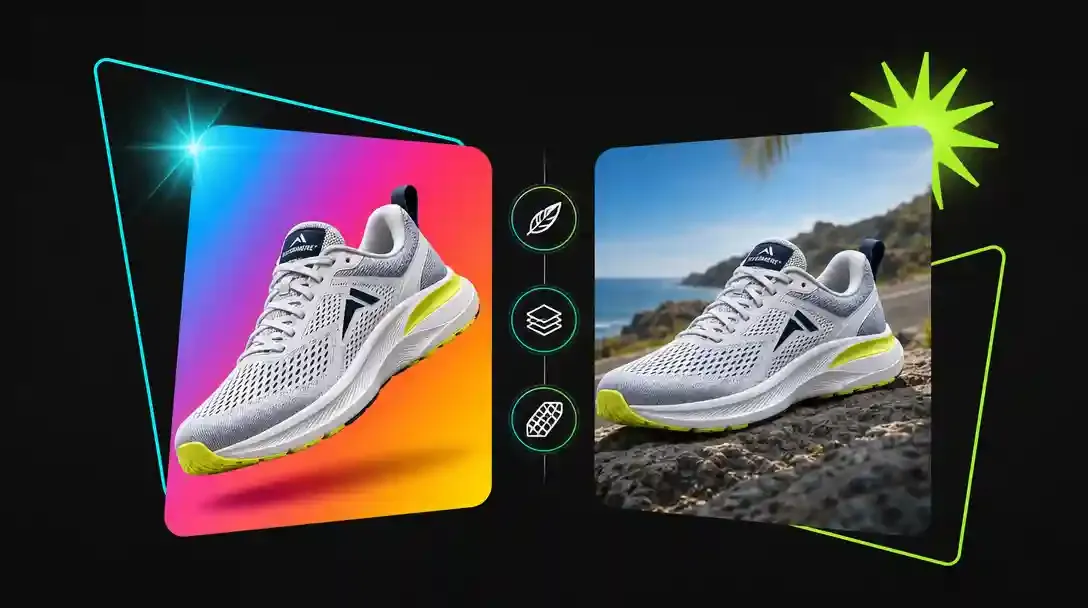
Prepare detailed campaign imagery or isolated product assets. Compatible GPT Image 2.6 options offer output up to 4K and transparent PNG or WebP; confirm the available resolution and background controls before generating.
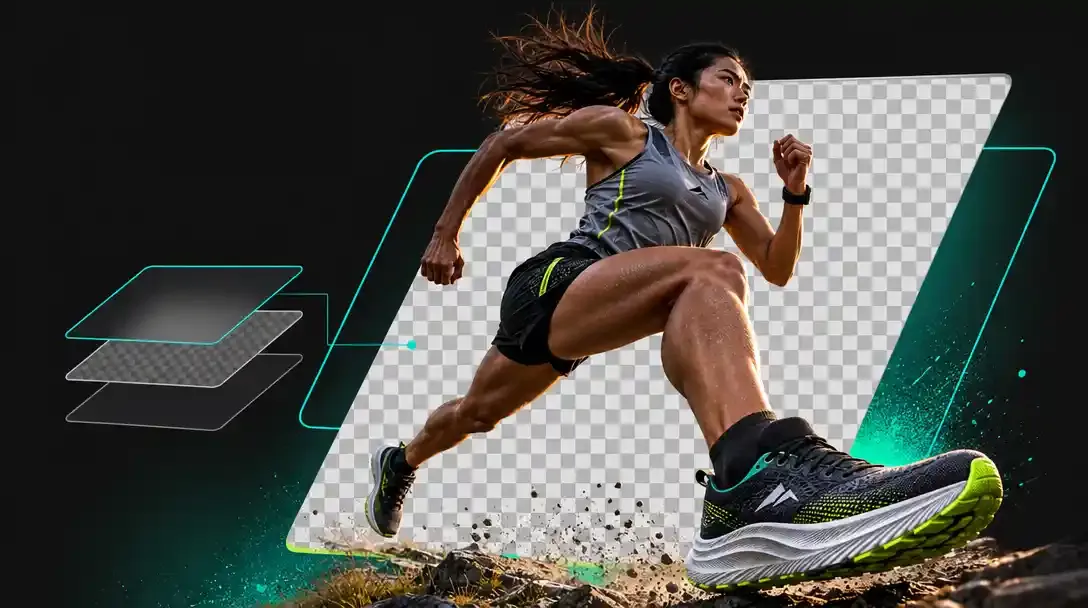
Explore campaign images, animated loops, clean cutouts and detailed product visuals.
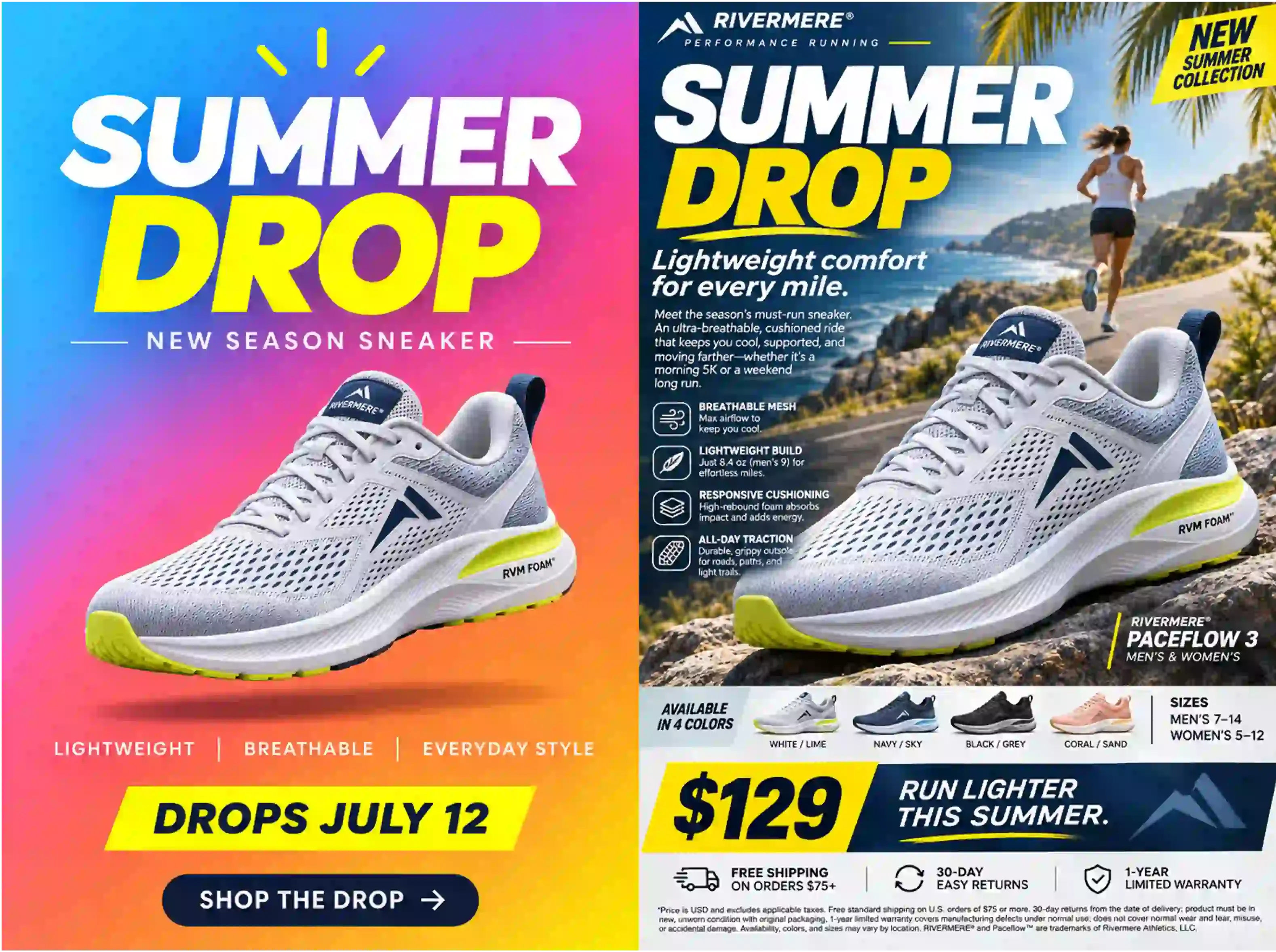
Flare Special starts at 1K. GIF, SVG, transparency and higher resolutions depend on the selected Default or VIP channel; the generator shows its current limits.
PNG / JPEG / WebP
Turn a brief into campaign posters, product concepts and polished image layouts. Specify exact wording and composition, then inspect the finished design at its original size.
| Feature | GPT Image 2.6 | GPT Image 2.5 | GPT Image 2 |
|---|---|---|---|
| Resolution | 1K / 2K / 4K | 1K / 2K / 4K | 1K / 2K / 4K |
| Output Format | PNG / JPEG / WEBP / GIF / SVG | PNG / JPEG / WEBP | PNG / JPEG / WEBP |
| Quality | Low / Medium / High / Very High / Maximum | Low / Medium / High / Very High / Maximum | Low / Medium / High |
| Scene Complexity | Low / Medium / High | Automatic | Automatic |
| Input Types | Text / Image | Text / Image | Text / Image |
| Aspect Ratios | 1:3 - 3:1 | 1:3 - 3:1 | 9:21 - 21:9 |
| Function Mode | Text to Image / Image Editing | Text to Image / Image Editing | Text to Image / Image Editing |
| Max References | Up to 16 | Up to 16 | Up to 16 |
| Reference File Limit | 10 MB | 10 MB | 10 MB |
Capabilities are grouped by model generation. Available controls and output settings depend on the selected option and workflow.
Choose a model, describe your idea and download the result.
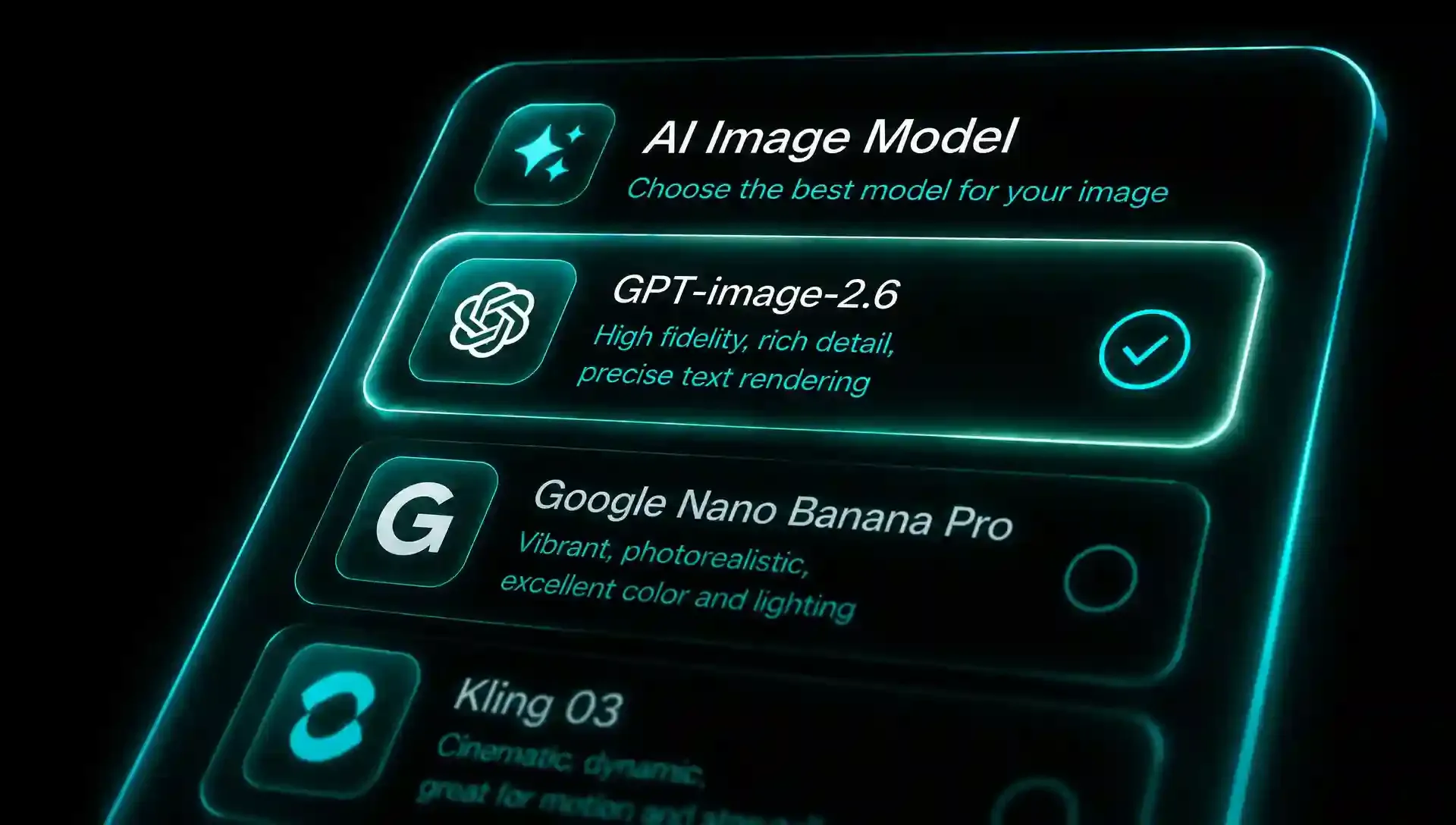 1
Select GPT Image 2.6, then choose the available quality, complexity, aspect ratio and output settings.
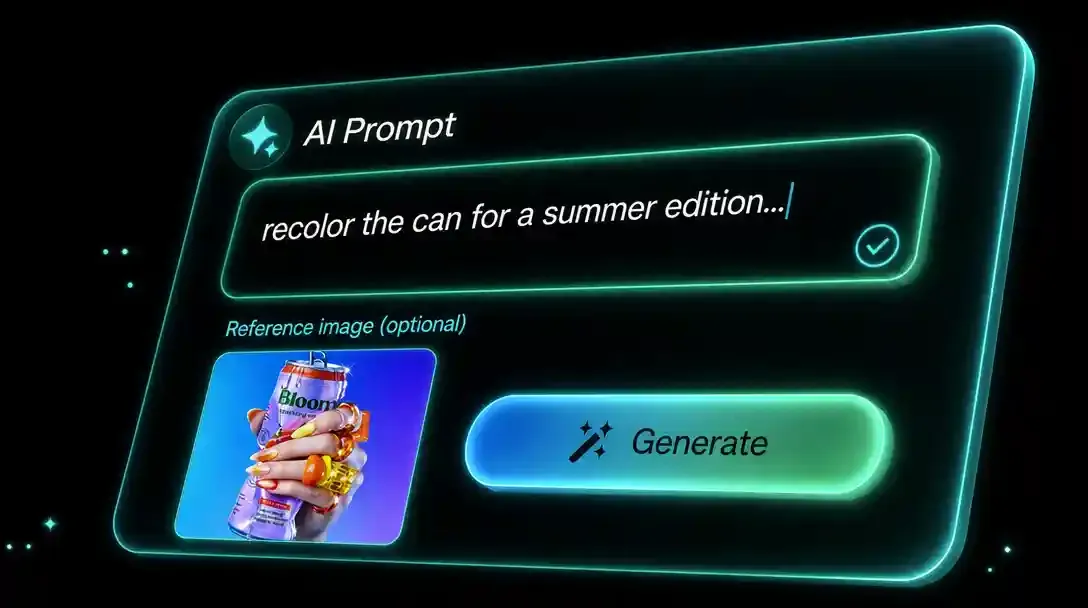 2
Describe the image and exact text. For edits, upload the original references and explain what to change or preserve.
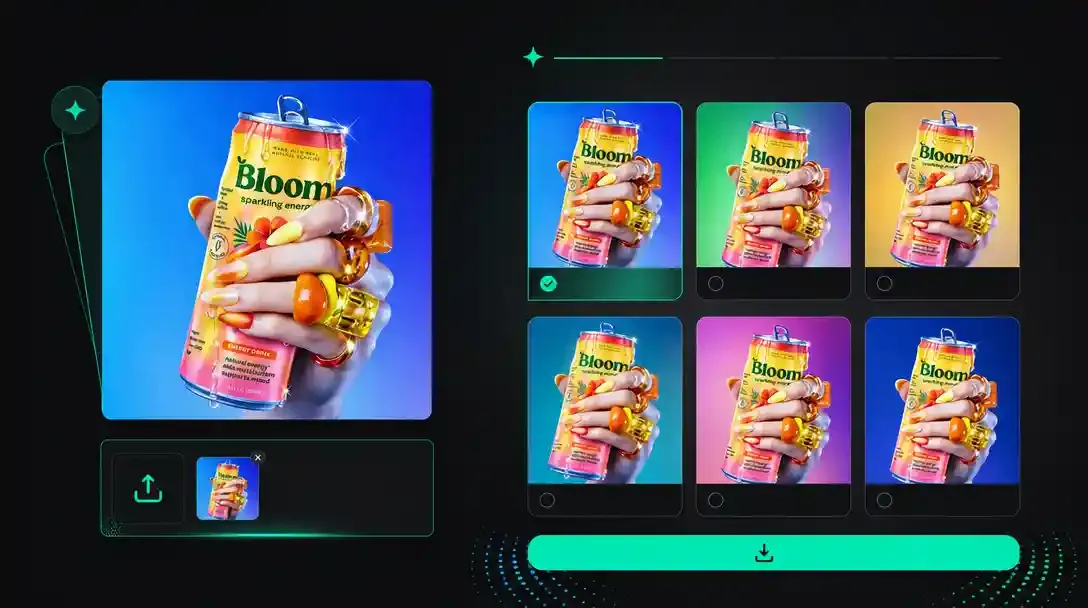 3
Review the settings and credit total, generate variations, then compare and download your chosen result.
Explore creator animations, detailed portraits, storybook illustrations and product packaging. X badges link to the original creator posts.
Creative workflows for products, brands, communities and campaigns.
Create catalog images, seasonal packaging and clean product cutouts. Keep original product references close so shapes, colors and labels stay consistent across the collection.
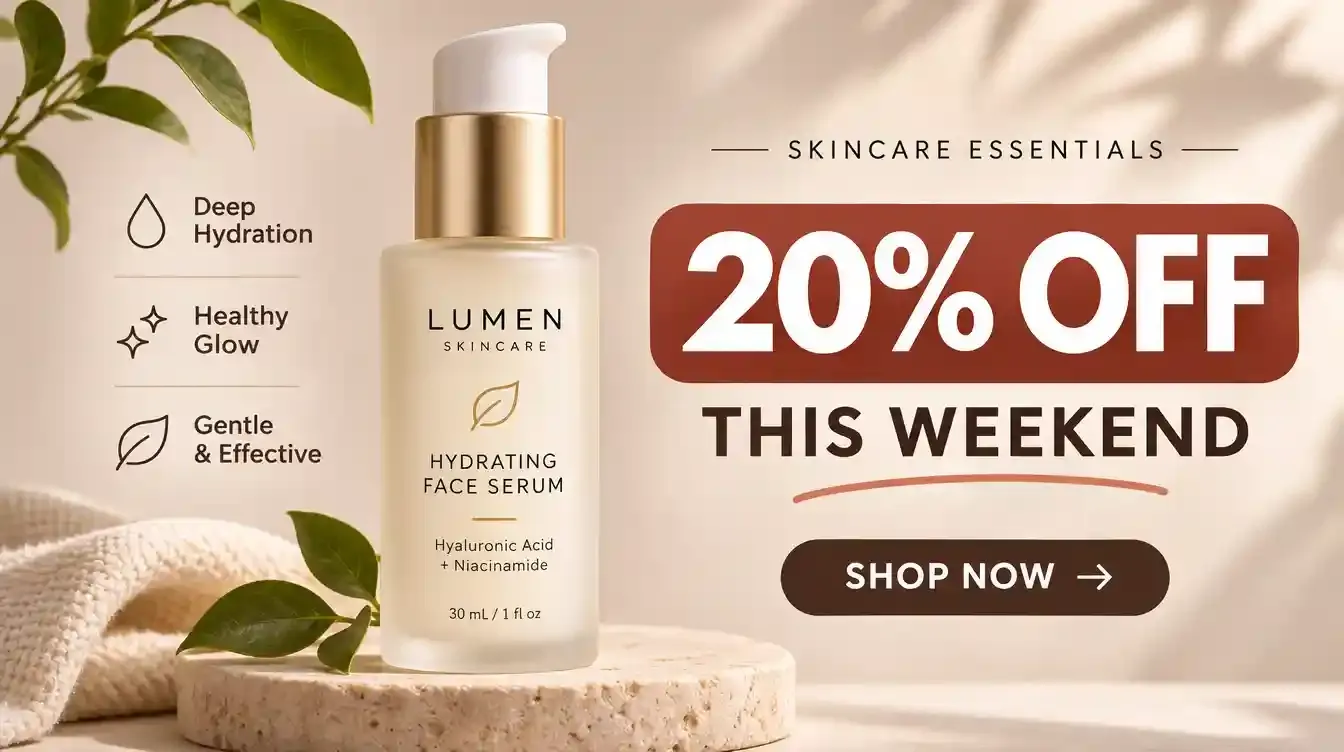
Explore logos, badges and interface icons as scalable SVG concepts. Refine paths and typography before handing a chosen direction to a brand system or interface library.
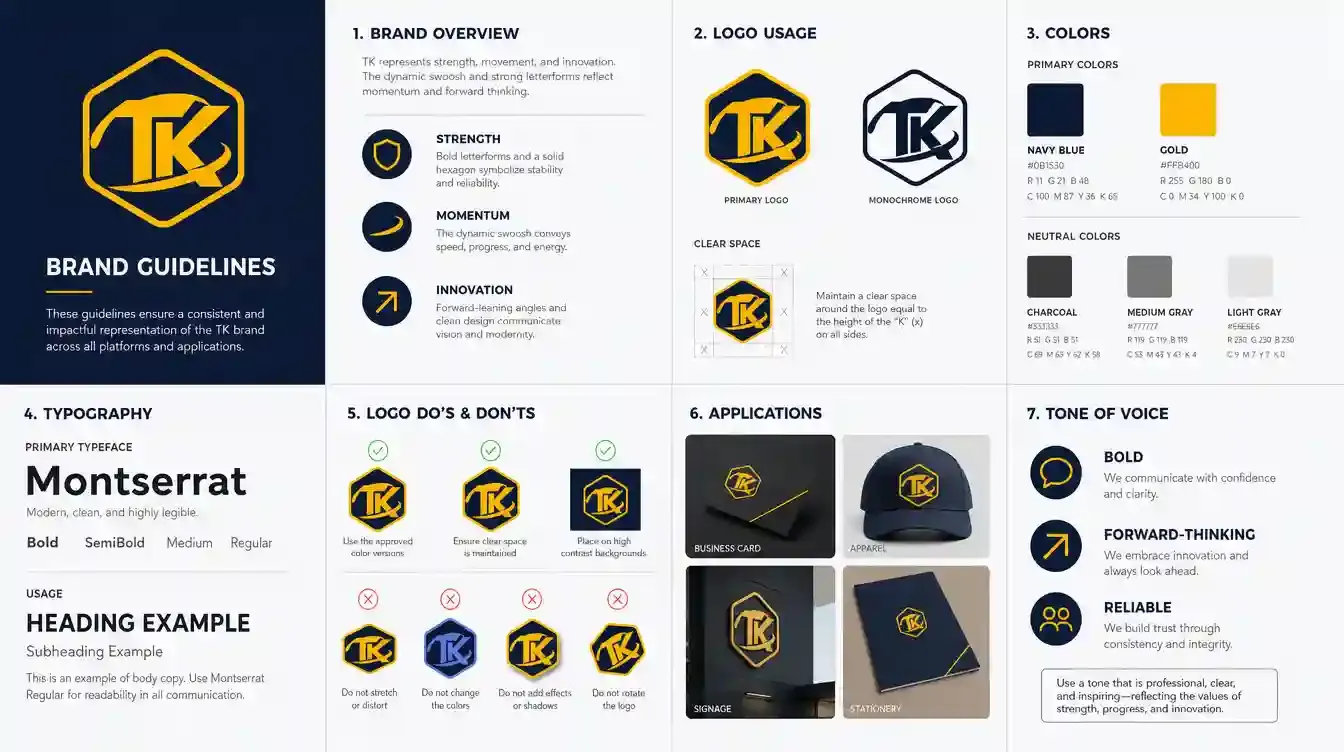
Create looping stickers, reactions and character assets for your channels. Keep a recognizable mascot across still images and lightweight GIFs.
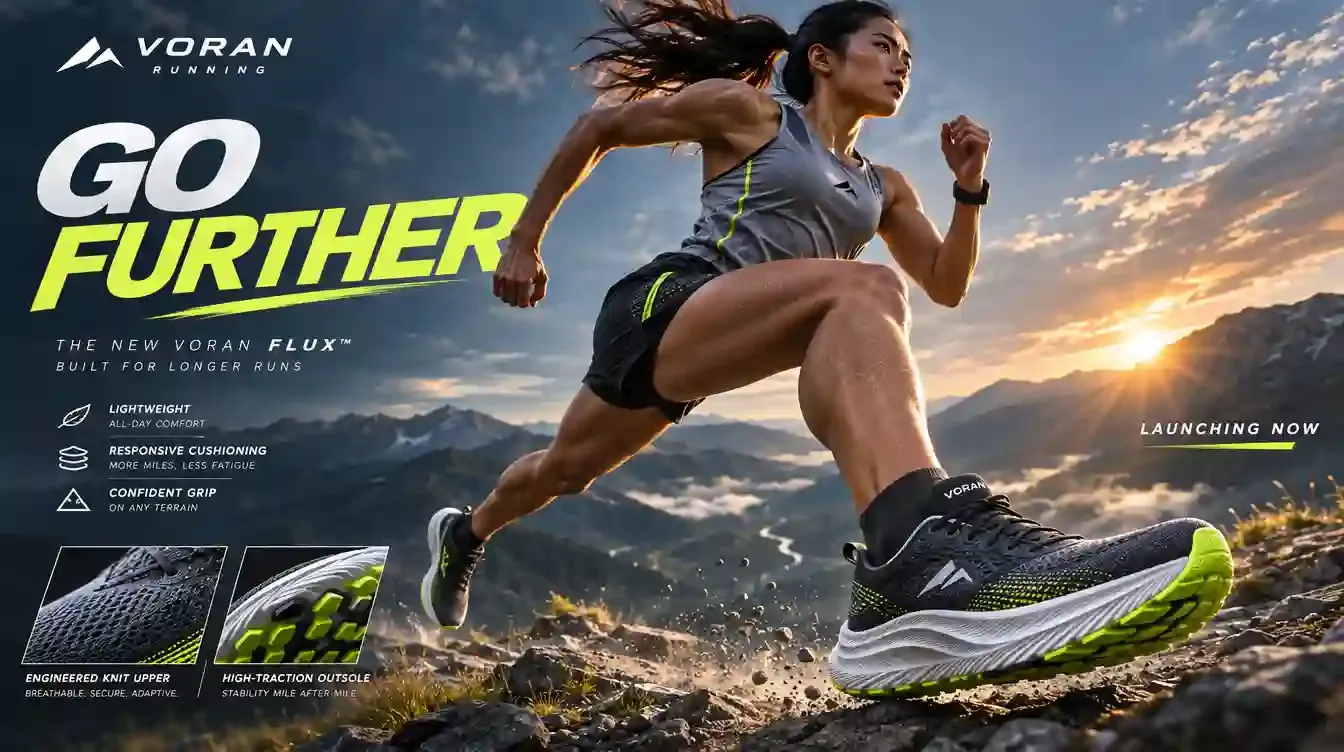
Explore campaign directions, compare compositions and refine the strongest concept. Prepare detailed final imagery with the resolution and quality available for your selected workflow.
GPT Image 2.6 is OpenAI’s image generation and editing family. It includes Flare and Sunburst, with support across the family for reference-based edits, GIF animation, SVG exports and adjustable planning. The controls available here depend on the selected channel.
Flare is designed for faster iteration and everyday visual exploration. Sunburst focuses on detail and consistency across edits. Begin with the option that matches your task, and compare actual results with the same prompt and references.
GPT Image 2.6 Flare Special is this page’s default 1K image option. Other Flare and Sunburst channels expose different settings. A complete Inspiration recipe can retain its original compatible channel so that its settings and reference inputs remain executable.
VIP Flare and Sunburst channels support resolution options up to 4K. The Special and Default options currently offer 1K workflows. Select the channel first, then confirm the available resolution and cost in the generator.
Yes, on channels that expose those output formats. GIF creates a short animation; SVG creates a scalable vector asset. Some formats or channels restrict reference inputs, so check the generator’s available controls before submitting.
Open a public work to inspect its prompt and original input images, then choose Recreate. The existing generator receives the recipe’s model, workflow, parameters and authorized references. Remix uses the work as a new creative starting point; Edit opens the supported editing workflow.
Yes. GPT Image 2.6 image workflows support up to 16 reference images. Upload only the inputs required by your task, keep their order clear and describe the changes precisely. For a reusable recipe, each required source image must be available, not just the finished output.
Put exact wording in quotation marks, describe where it belongs and name the hierarchy. For edits, separate the requested change from the details to preserve. Check spelling, small labels and object consistency in the result instead of assuming every detail is correct.
The 365 Unlimited promotion applies to the eligible Special options and the plan conditions shown in the product. Default and VIP channels have their own access and credit rules. Check the current channel and cost before generating; 4K or extra output controls do not follow automatically from the default option.
Review the applicable model and service terms, and make sure you have rights to the reference material, characters and brands in your project. Public examples are useful starting points; their availability does not transfer ownership of third-party content.
Compare other AI models available in the BotGo creative workspace.
Explore the previous GPT Image generation and its reference-based image workflows.
✓ AvailableCompare a different image model for fast visual exploration and editing.
✓ AvailableExplore another option for detailed image generation and reference-guided creative work.
✓ AvailableCreate a new image or start with a complete GPT Image 2.6 recipe. Your prompt and references stay in the existing generator.
Create with GPT Image 2.6


