01
Transformarse en lugar de empezar de nuevo
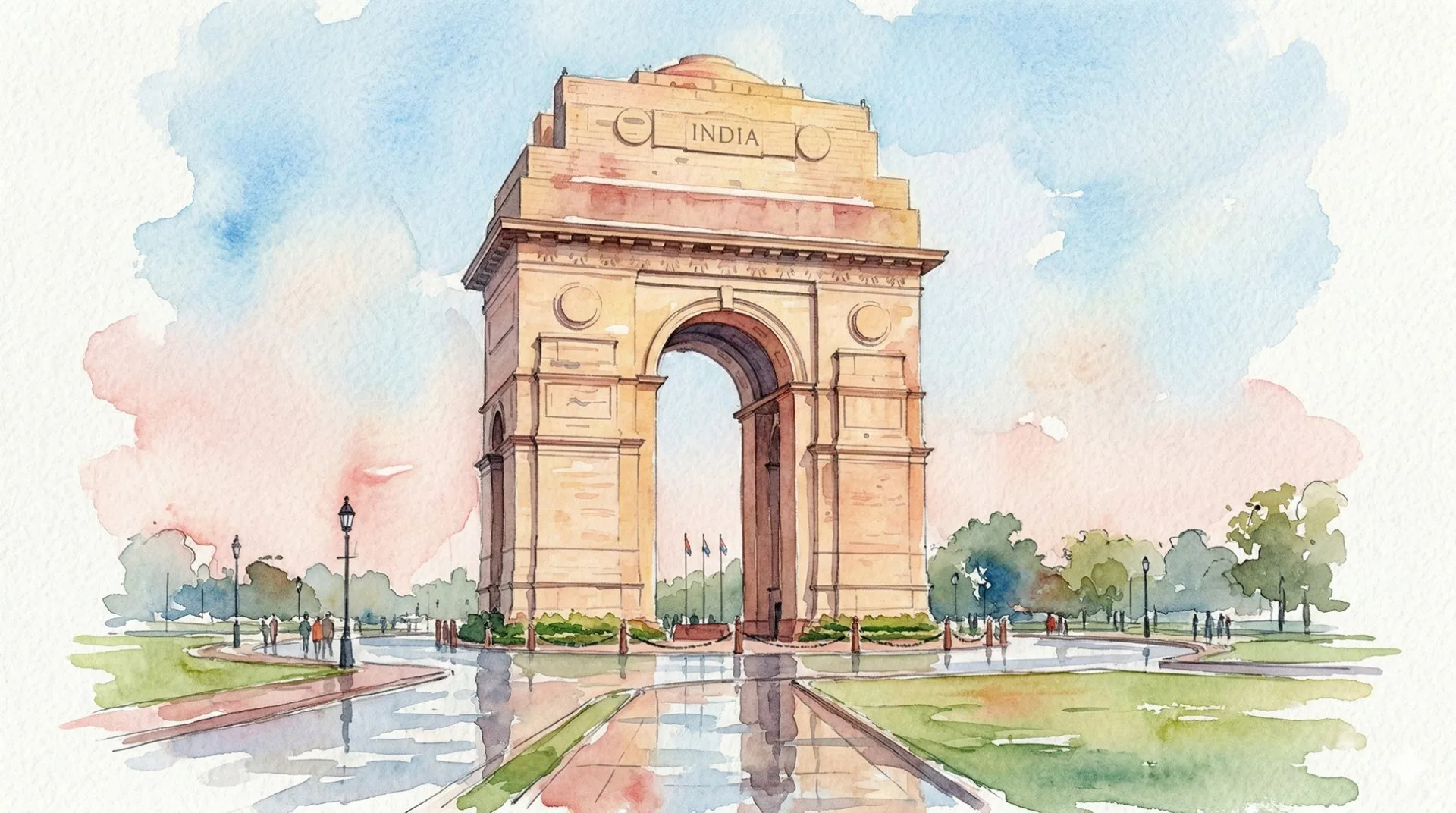
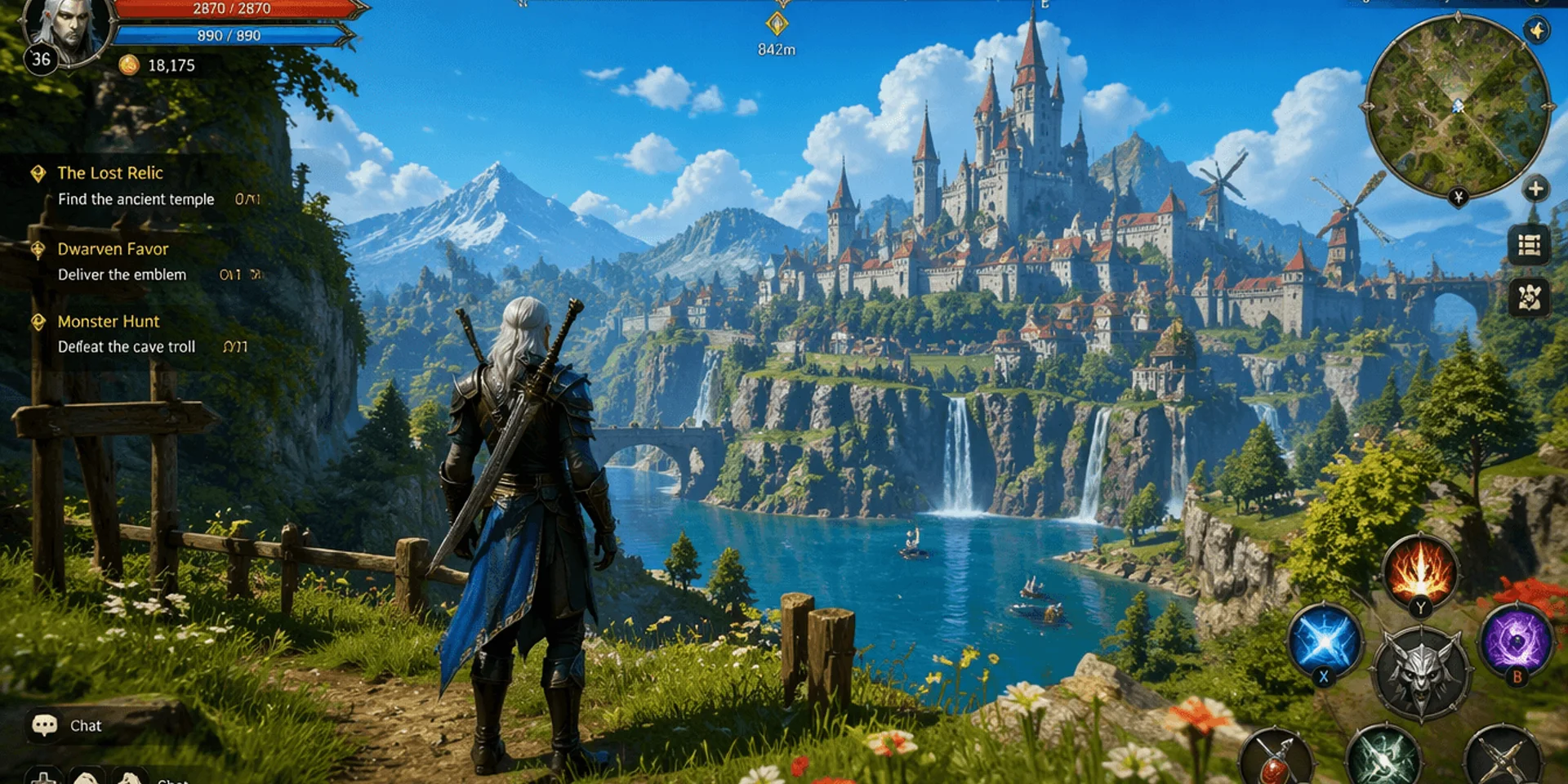
Utilice una imagen existente como contexto estructural mientras cambia el estilo, el material, el entorno, la composición o el tratamiento de la campaña.

Sube una imagen y describe la transformación conservando los detalles importantes.
Abra una plantilla con mensajes en tamaño completo, inspeccione la dirección creativa y luego use Recrear para mover el mensaje y la configuración al generador.
POR QUÉ ESTE FLUJO DE TRABAJO
Transforme las imágenes de origen con la generación y edición de imágenes de IA guiadas por indicaciones en BotGo AI.
01
Utilice una imagen existente como contexto estructural mientras cambia el estilo, el material, el entorno, la composición o el tratamiento de la campaña.
02
Proteja la identidad, la pose, el logotipo, la geometría del producto, el diseño o la perspectiva con instrucciones explícitas basadas en la fuente.
03
Genere combinaciones de colores, estaciones, escenarios y direcciones artísticas a partir de una imagen fuente aprobada.
Explora las entradas, controles y flujos creativos disponibles con Imagen a imagen en BotGo.
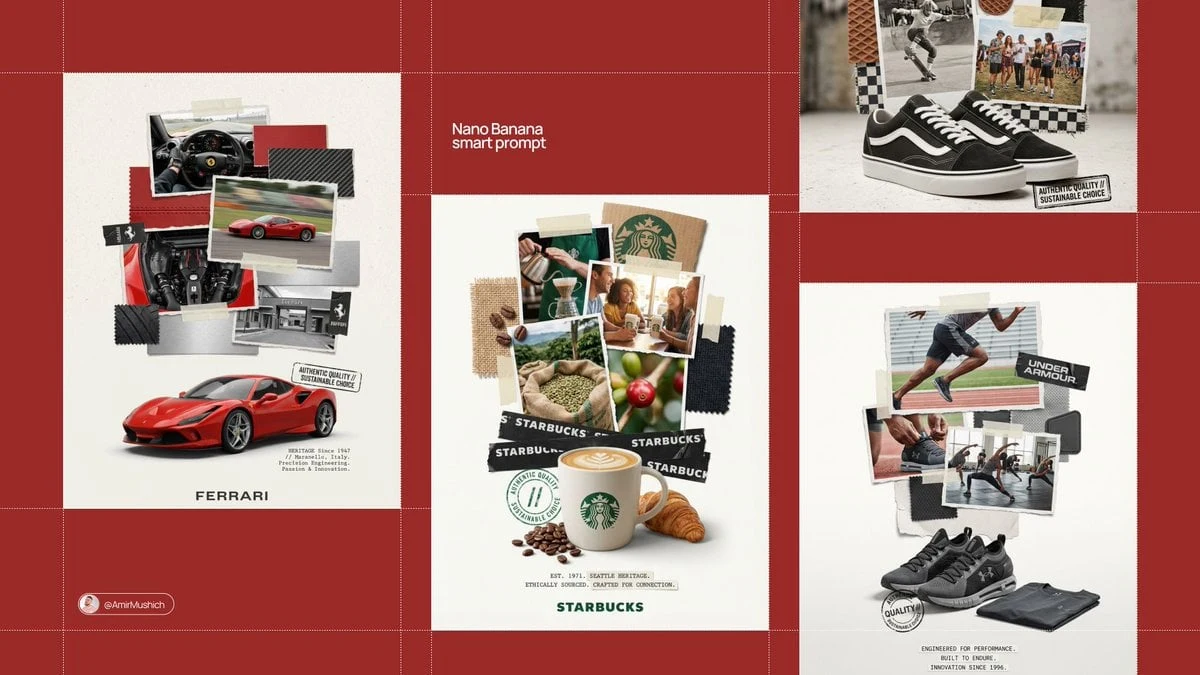
Sube una fuente y describe el nuevo estilo, ambientación, material, composición o tratamiento del producto.
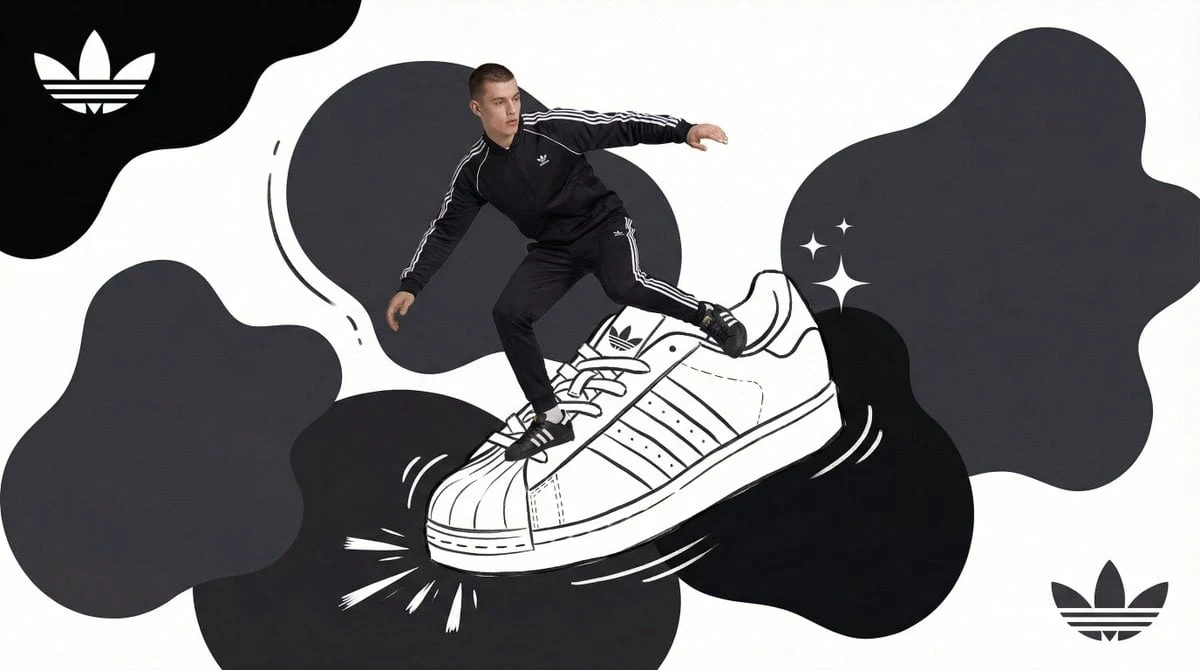
Indique la identidad, el diseño, la pose, el logotipo o los detalles del producto que deben permanecer estables durante el cambio.
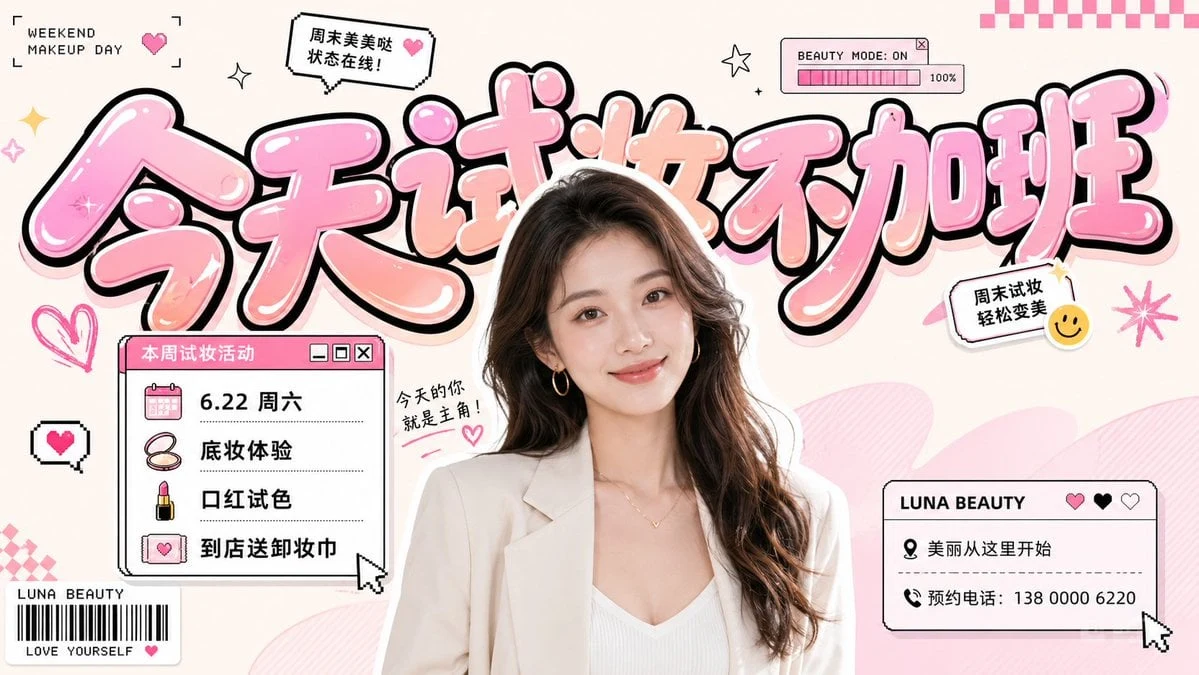
Guíe el estilo y la composición con modelos de imagen compatibles y prioridades de fuente claras.
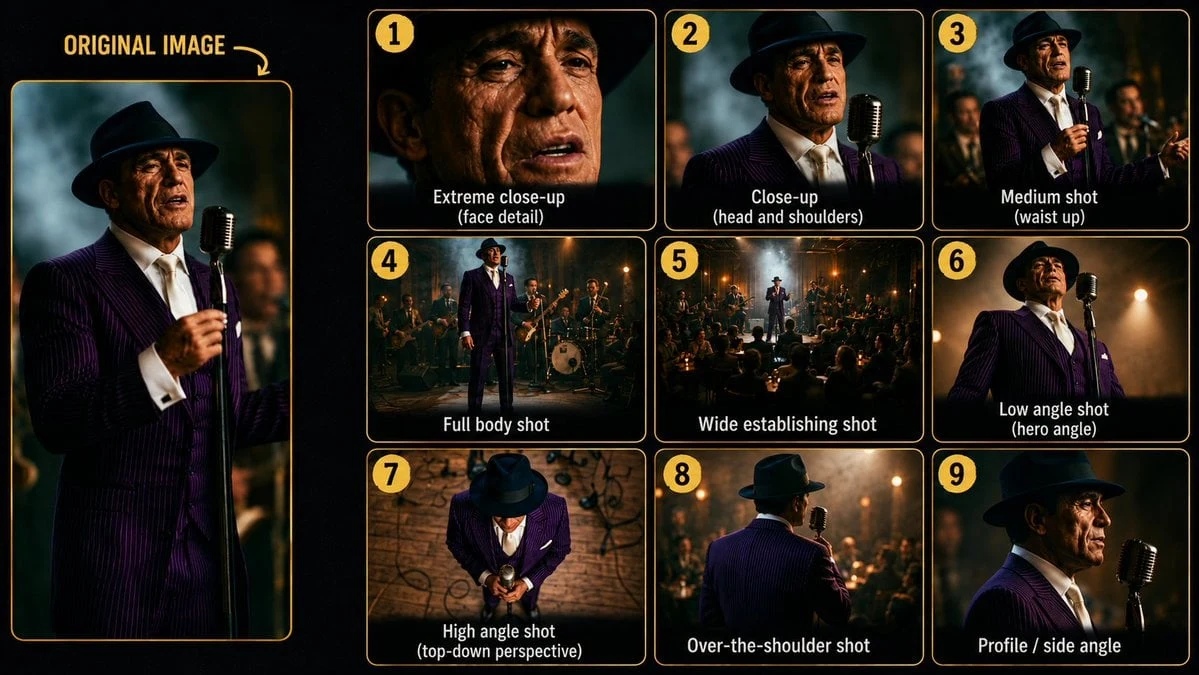
Desarrolle campañas, combinaciones de colores, entornos y direcciones artísticas alternativas a partir de un activo aprobado.
Empieza en tres pasos claros, sin experiencia de edición.
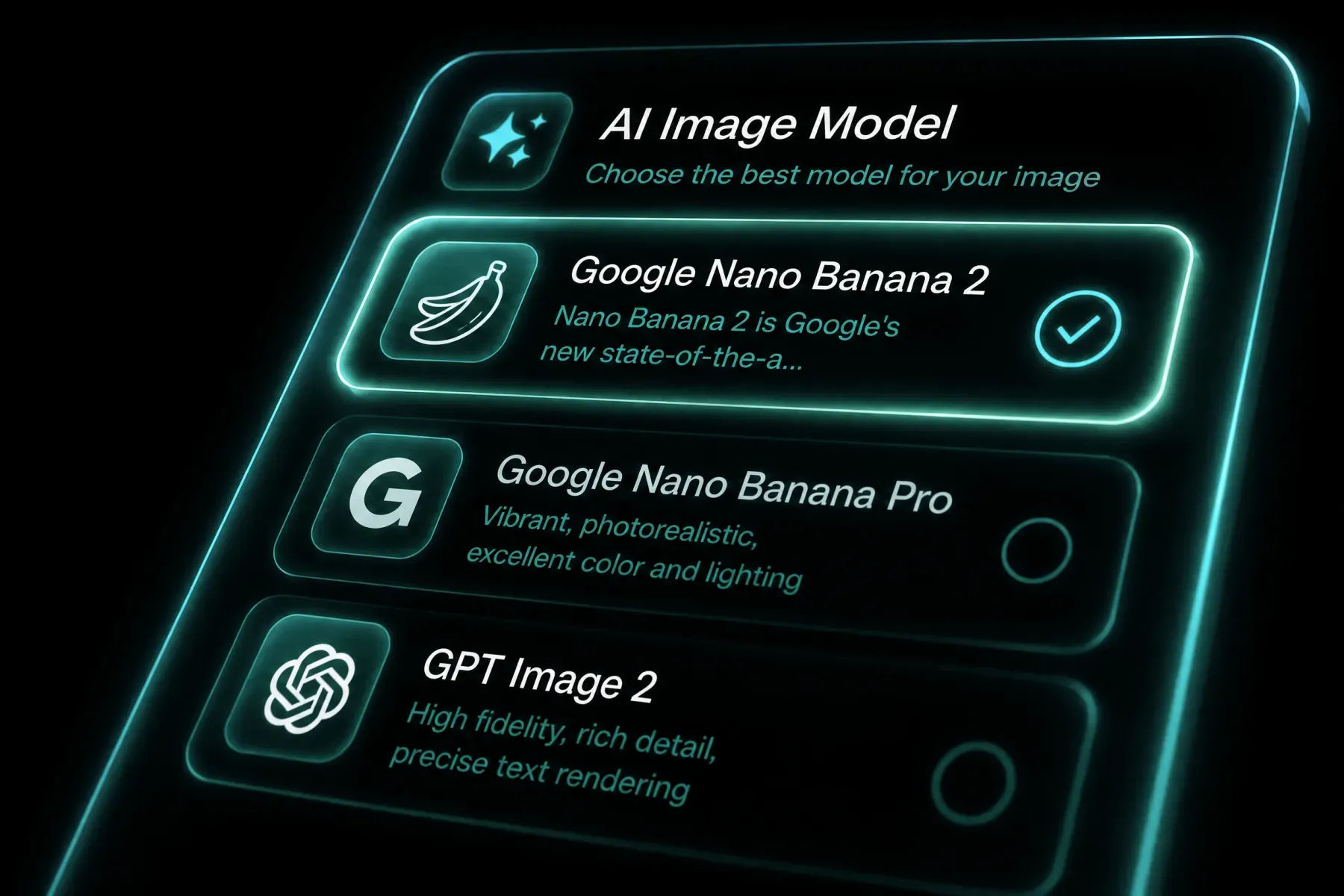 1
1Elija una entrada clara con la identidad, pose, diseño, producto o composición que desea que el modelo comprenda.
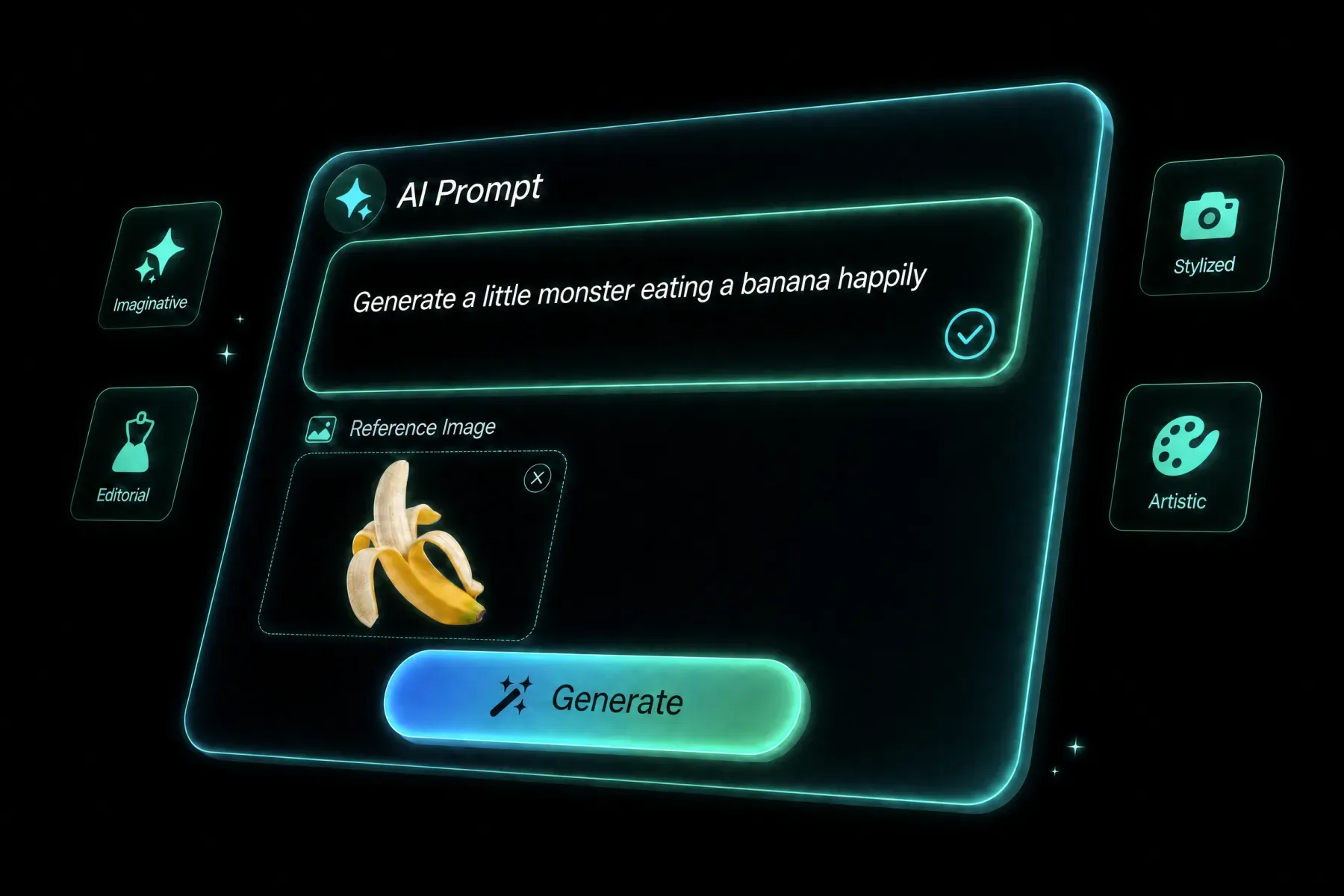 2
2Separe los detalles protegidos del nuevo estilo, entorno, material, combinación de colores, ángulo o dirección de la campaña.
 3
3Primero compare los resultados para su preservación, luego ajuste las referencias y el lenguaje de transformación para lograr la dirección más sólida.
Observa cómo prompts, referencias, formatos y modelos se convierten en direcciones creativas prácticas.
Imagen a imagen ayuda a personas y equipos a explorar más direcciones sin sumar herramientas de producción.
Desarrolla conceptos sociales, series y experimentos visuales con más rapidez.
Crea campañas, variantes por canal y recursos localizados en un flujo.
Prueba medios de producto, lanzamientos y variantes estacionales antes de producir.
Usa IA para previsualización, mood, storyboards y exploración de opciones.
Imagen a imagen está disponible en BotGo como flujo creativo con controles de modelo, entradas y ajustes de salida en el navegador.
Abre el generador, elige Imagen a imagen, añade un prompt y los medios necesarios, revisa los ajustes y genera.
Las entradas disponibles aparecen en el generador y cambian según el modelo y el modo elegidos.
Puedes usar las opciones del modelo, incluidas proporción, resolución, duración y límites de referencias.
Sí. BotGo reúne modelos líderes para comparar entradas, formatos y modos de trabajo.
Los derechos dependen del modelo, los medios, el plan y la ley local. Revisa los términos y usa solo recursos autorizados.
Describe sujeto, composición, acción, cámara o luz, estilo y uso final. En ediciones, indica qué debe permanecer igual.
Continúe con un flujo de trabajo de creación de IA relacionado en BotGo.
Empieza a crear con Imagen a imagen en el espacio de BotGo.
Probar Imagen a imagen